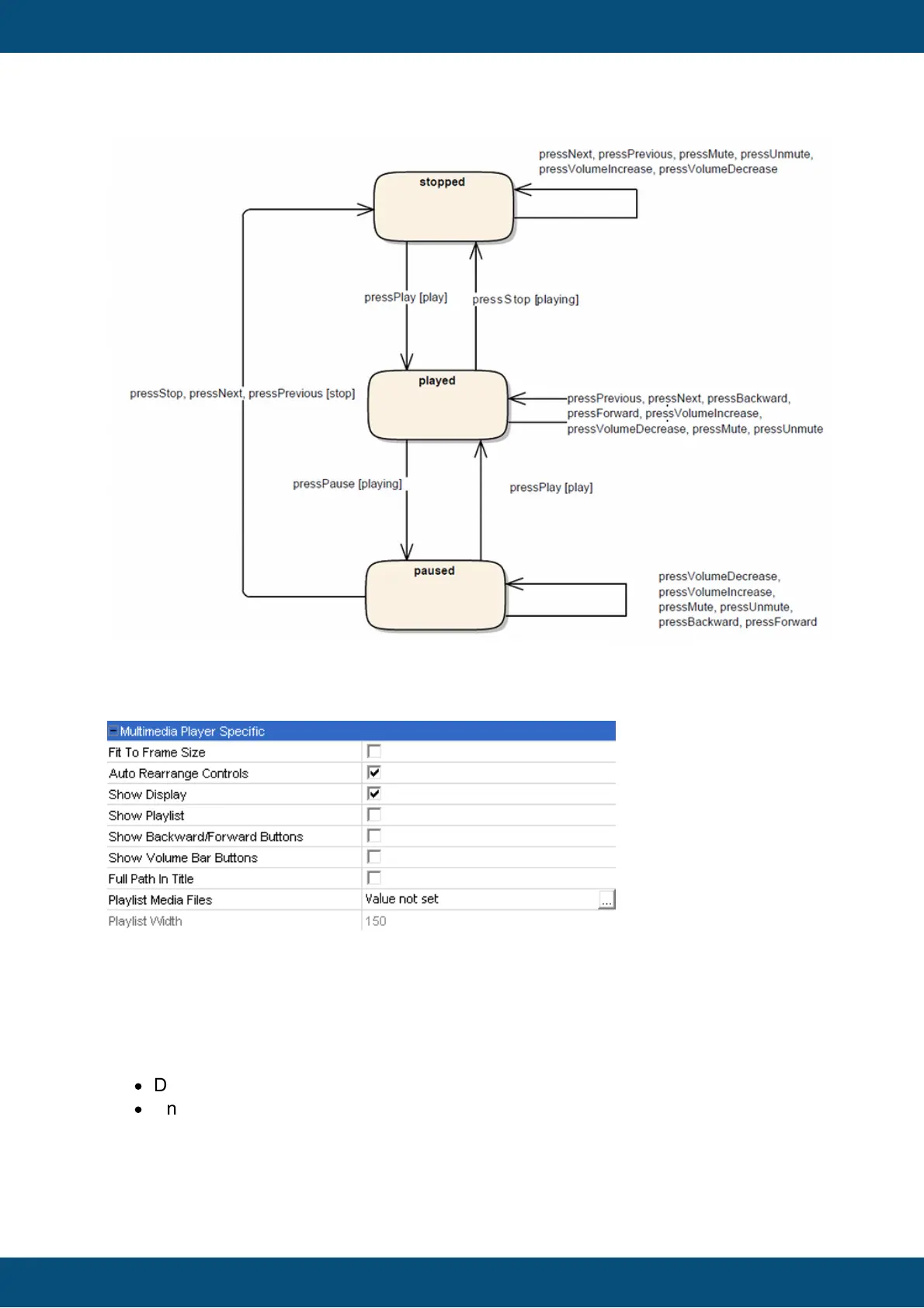
The graphic below shows the default property states of the multimedia player object.
Fit To Frame Size
Enable this property to adapt the size of the multimedia player to the parent frame object.
Default value: Disabled
Possible values:
·
Disabled: The Multimedia Player can be dynamically scaled to the desired size.
·
Enabled: The Multimedia Player will be scaled to the parent frame size.
Auto Rearrange Controls
This property activates / deactivates the internal layout manager of the multimedia player
object. The manager takes



 To Next Page