care about the positioning and sizing of all included objects in design time. The layout
manager has no effect at runtime.
Resizing is only done when the object size is changed.
Default value: Enabled
Possible values:
·
Disabled: The Multimedia Player objects will not be sized and positioned when
changing the size of the Multimedia Player object.
·
Enabled: The Multimedia Player objects will be sized and positioned automatically
when changing the size of the Multimedia Player object.
Show Display
This feature removes the display container to use the multimedia player as a pure audio
player or as a playback control bar:
Default value: Enabled
Possible values:
·
Disabled: Removes the display container.
·
Enabled: Adds a display container.
Show Playlist
The playlist shows the currently selected media files at runtime and design time. But in the
latter case without scrollbars.
Default value: Disabled
Possible values:
·
Disabled: Removes the playlist table.
·
Enabled: Add a new playlist table.
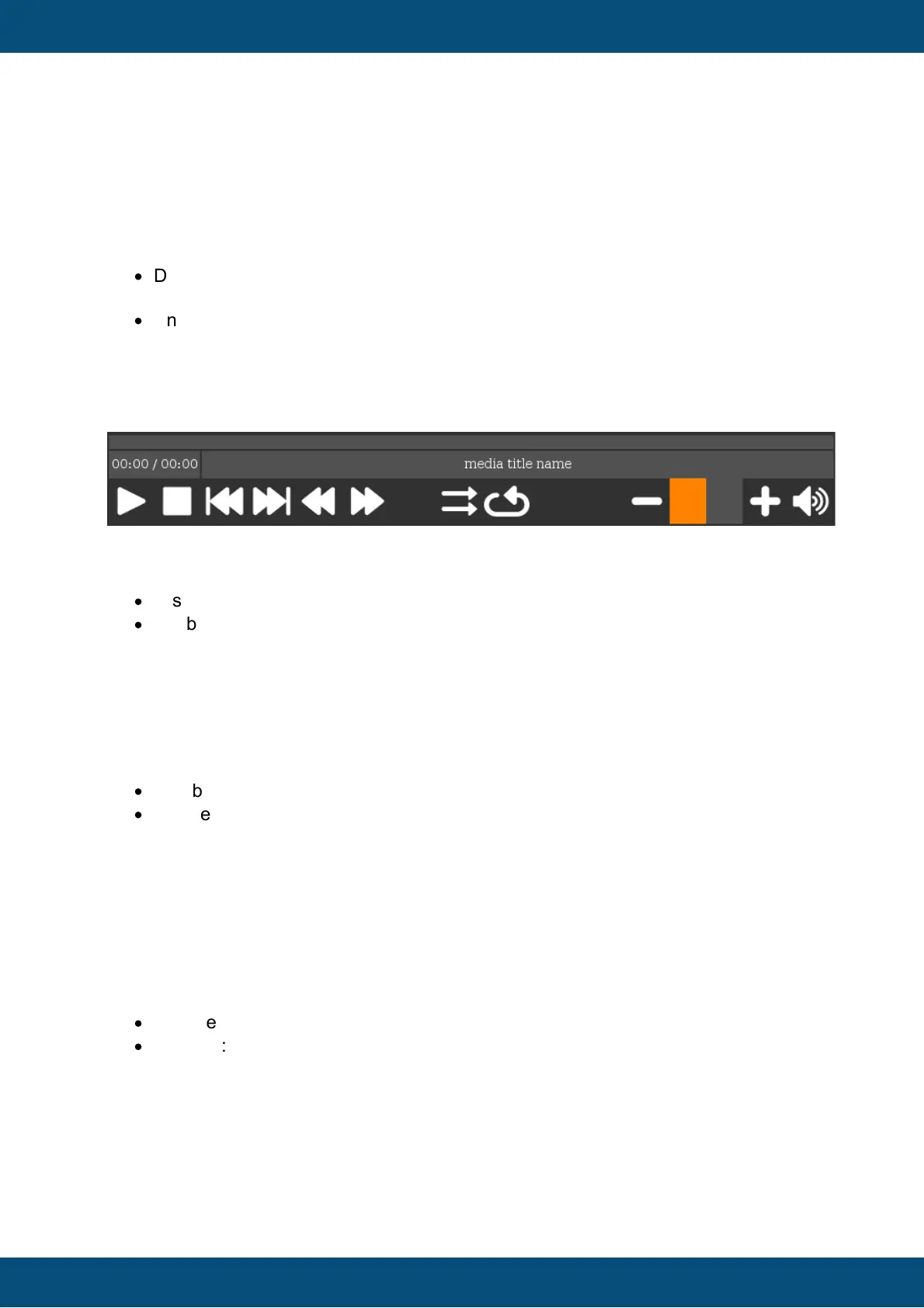
Show Backward / Forward Buttons
If the target device has no encoder to set the media position by using the position bar, this
property can be enabled
to add a backward and a forward button to the multimedia player. With these buttons the
media position can be increased or decreased
Default value: Disabled
Possible values:
·
Disabled: Removes the backward / forward buttons from the multimedia player.
·
Enabled: Adds the backward / forward buttons to the multimedia player.
Show Volume Bar Buttons
If the target device has no encoder to set the volume by using the volume bar, this property
can be enabled to add a volume increase and decrease button to the multimedia player.
With these buttons the volume value can be increased or decreased
Default value: Disabled



 To Next Page