509
OPUS Projektor Manual
Object Reference
·
Analog video is always drawn as the most-backward graphics layer and the field of the
video objects will be made invisible so that the video image gets visible.
Any other objects (e.g. other non-video frames on top of a video frame/page) will be
displayed in front of the video image
Devices with i.MX6 CPU:
·
1, 2 or 3 analog video inputs (depending on the device)
·
Two cameras can be shown at the same time (Please note: Due to hardware limitations,
input 1 and 3 can not be displayed at the same time, only 1 and 2 or 2 and 3)
·
It's possible to show a video stream over Ethernet with either H.264 or MJPEG. See
below for details and limitations
·
Video is drawn as the background texture of the video frame or page.
·
For i.MX6 devices with a quad core processor it is possible to show two analog camera
inputs plus an Ethernet camera at the same time.
Video Properties
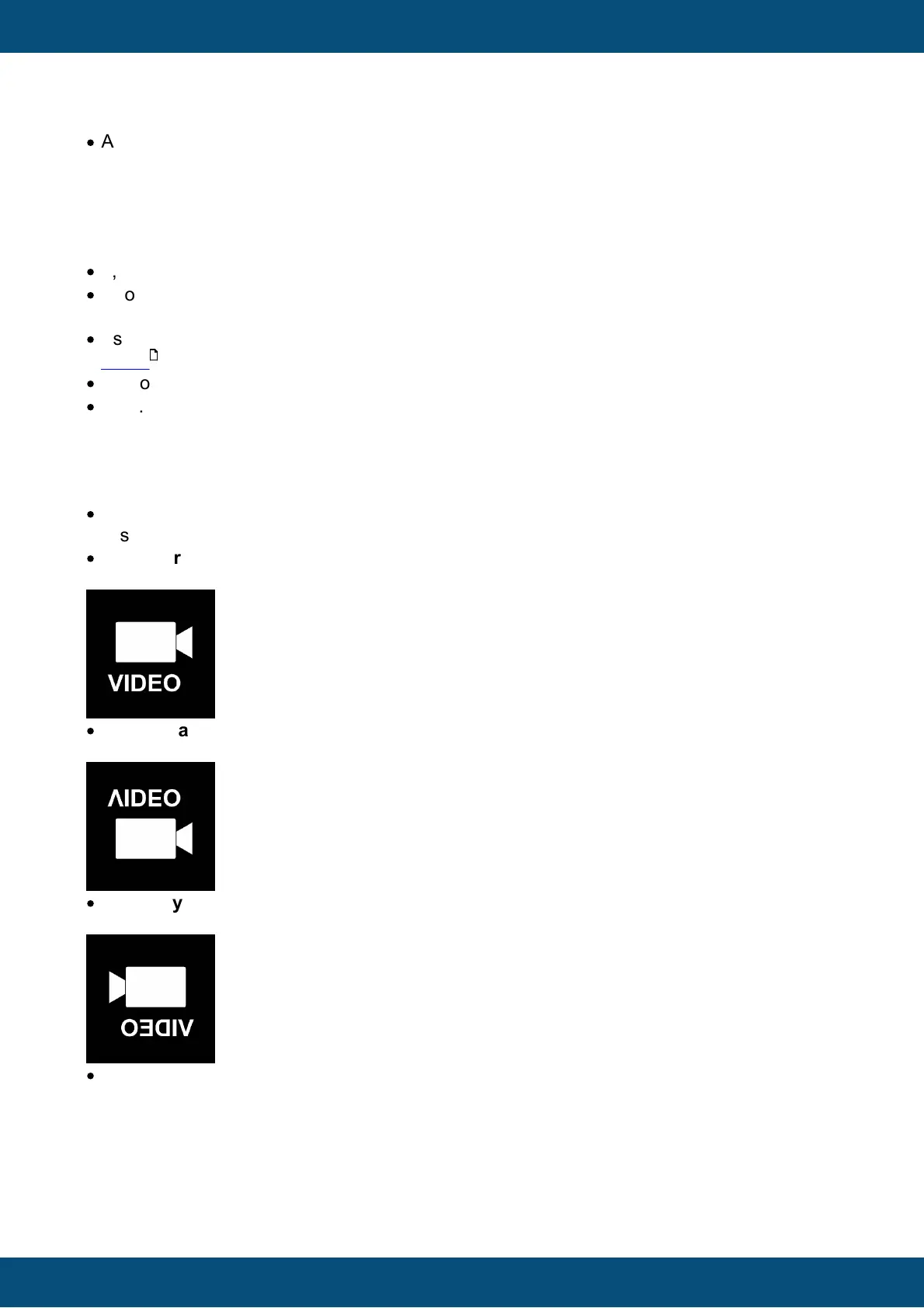
Use this property to enable showing video in this object (only analog video will be mirrored):
·
None
Disable video for this object
·
Unmirrored
Enable video, no mirror
·
Horizontally Mirrored
Enable video, mirror at the horizontal axis (up will be down)
·
Vertically Mirrored
Enable video, mirror at the vertical axis (left will be right)
·
Both
Enable video, mirror it horizontally and vertically (only analog video will be mirrored)
511



 To Next Page