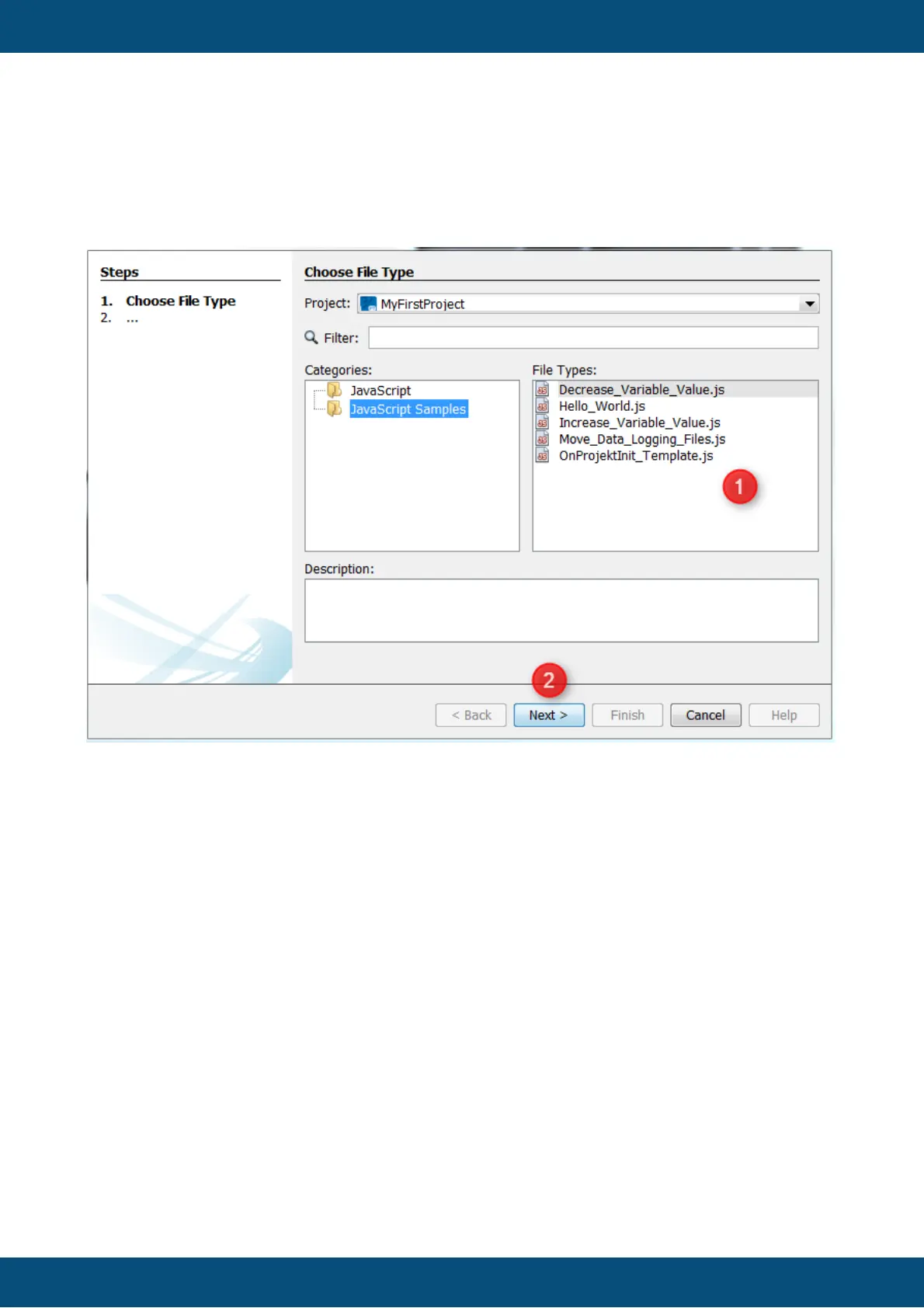
A wizard for creating a new file will be appear. In the category JavaScript an empty
JavaScript file can be created. The category JavaScript Samples includes different
templates. These templates can help to understand the basics of the JavaScript programming
language or show best practices for different use cases.
On the next page the wizard shows some information about the location of the new file. The
folder "terminal_files\scripts" shouldn't be changed. Only scripts in this folder will be displayed
in the JavaScipts node inside the project tree. The absolute path of the file is shown in the
Created File text field (1). The name of the JavaScript file can be changed in the File Name
section.
After clicking Finish (2), the new file will be created.



 To Next Page