52
OPUS Projektor Manual
User Interface
Uncheck the Show Resolution checkbox (7) to remove the resolution bar under the preview
images.
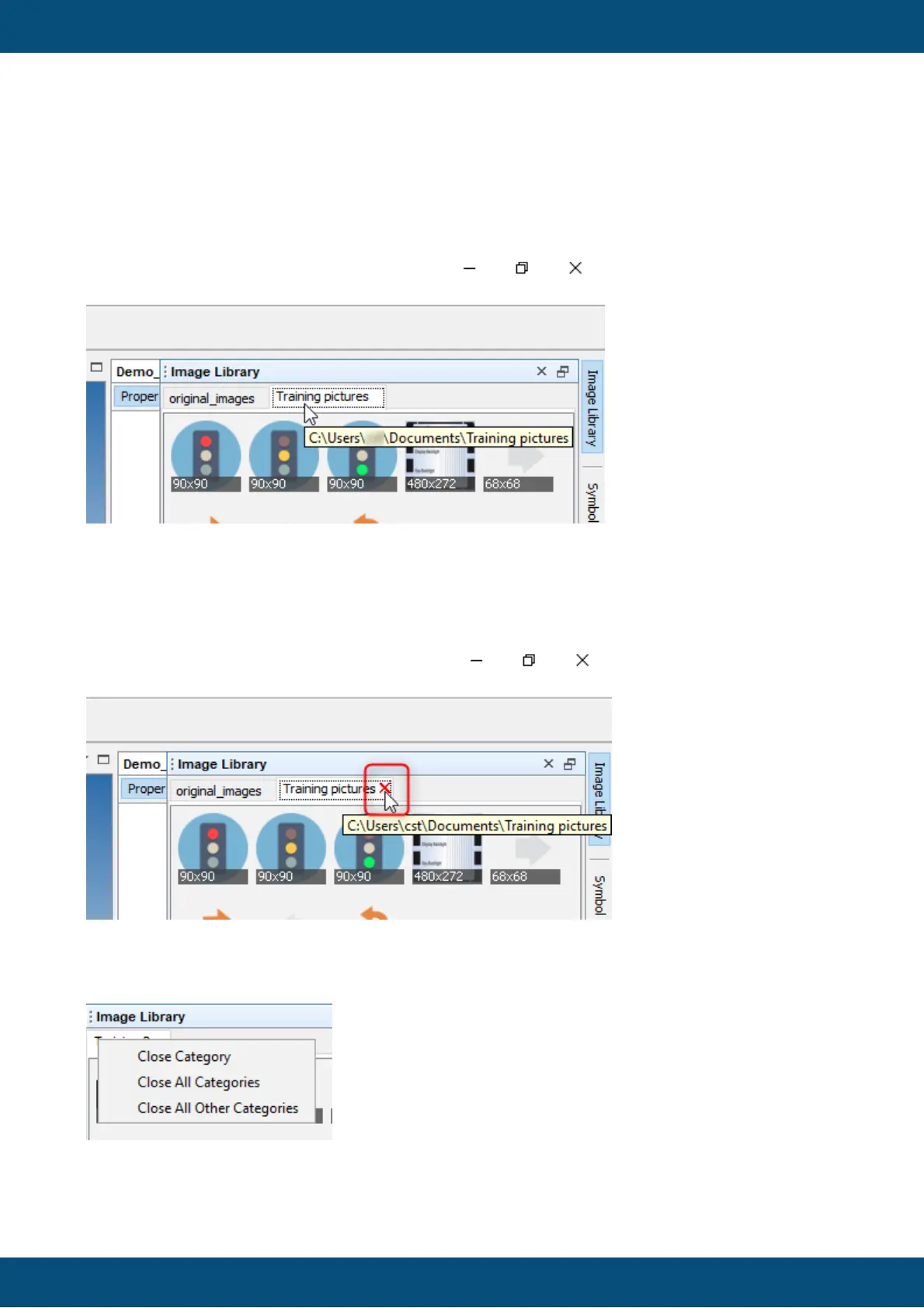
The complete folder path will be shown as a a tip when hovering on the folder tab.
Hovering over the images will show the file name of the image.
Folder tabs can be closed by pressing the X icon next to the folder name in the tab, except for
Favourites and Search tab.
Alternatively, with a right-click on one of the tabs, a context menu with the following options
opens
Close Category - closes the tab that was right-clicked on
Close All Categories - closes all tabs



 To Next Page