521
OPUS Projektor Manual
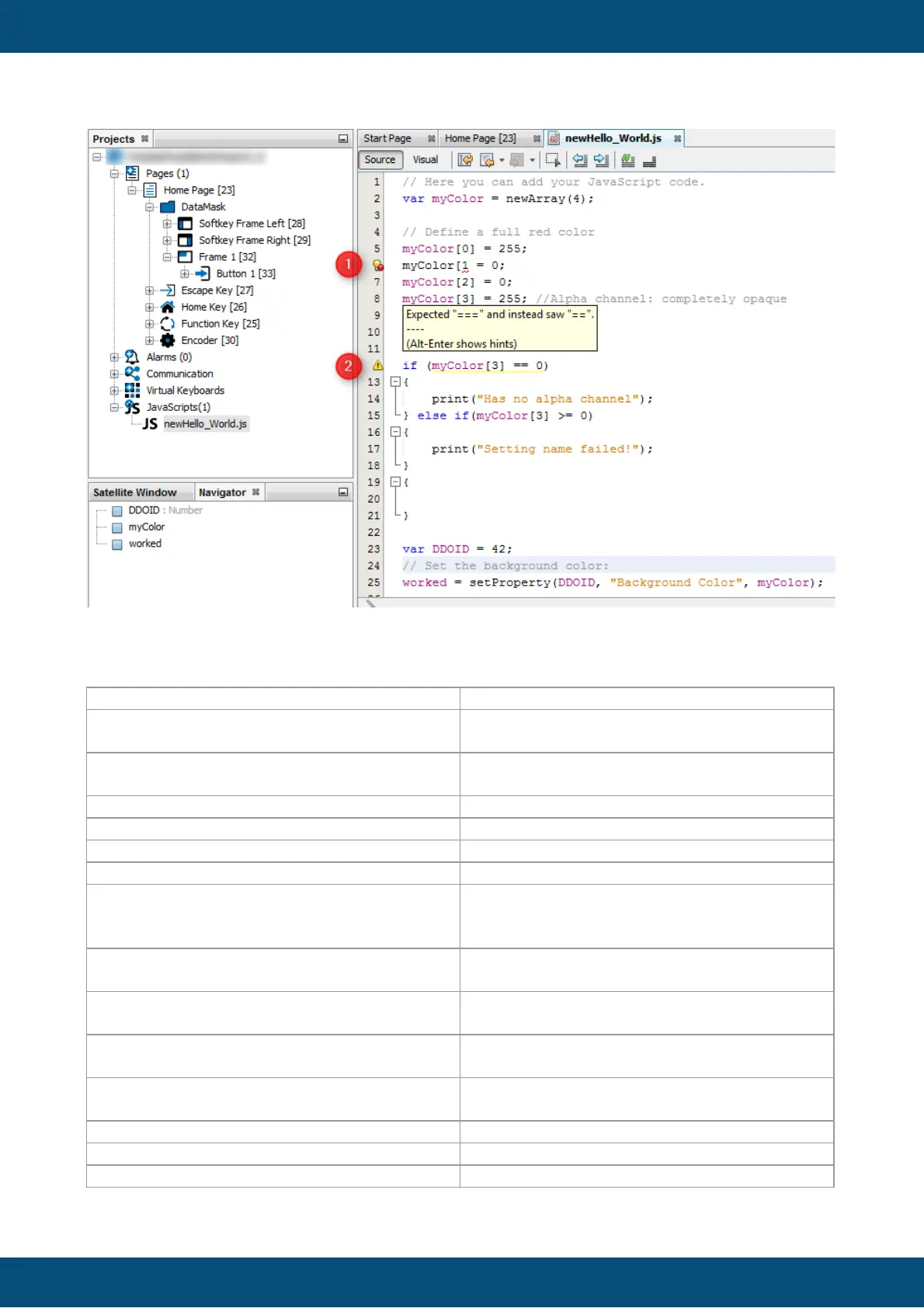
JavaScript
The folloging shortcuts can be used in the JavaScript editor:
Create a copy of the current line one line
above
Create a copy of the current line one line
below
Move the current line one line up
Move the current line one line down
Move the current line one tab to the left
Move the current line one tab to the right
Moves to the previous occurence of the
marked expression (an expression has to be
marked)
Moves to the next occurence of the marked
expression (an expression has to be marked)
Opens a history of the last 9 copied text
elements for pasting
CTRL + SHIFT + Click (left mouse key)
Adds an additional text cursor to the clicked
position (multi cursor editing)
Pastes multi-line copied text to one line per
multi-cursor.
Toggle rectangular selection
Comment / Uncomment the current line
Move cursor to the last editing positions



 To Next Page