522
OPUS Projektor Manual
JavaScript
Opens a dialog with which all opened
JavaScript files can be searched for a certain
text phrase.
Opens a dialog with which all opened
JavaScript files can be searched for a certain
text phrase to replace it with another.
Auto-format the currently selected code
The following icons are available in the JavaScript editor toolbar:
Switch to the source code view
Switch to the Visual Programming view
Move cursor to the last editing positions
Toggle rectangular selection
Move the current line one tab to the left / right
Comment / uncomment the current line
Save the current JavaScript file. Note that the
project still needs to be saved before a
download to the device!
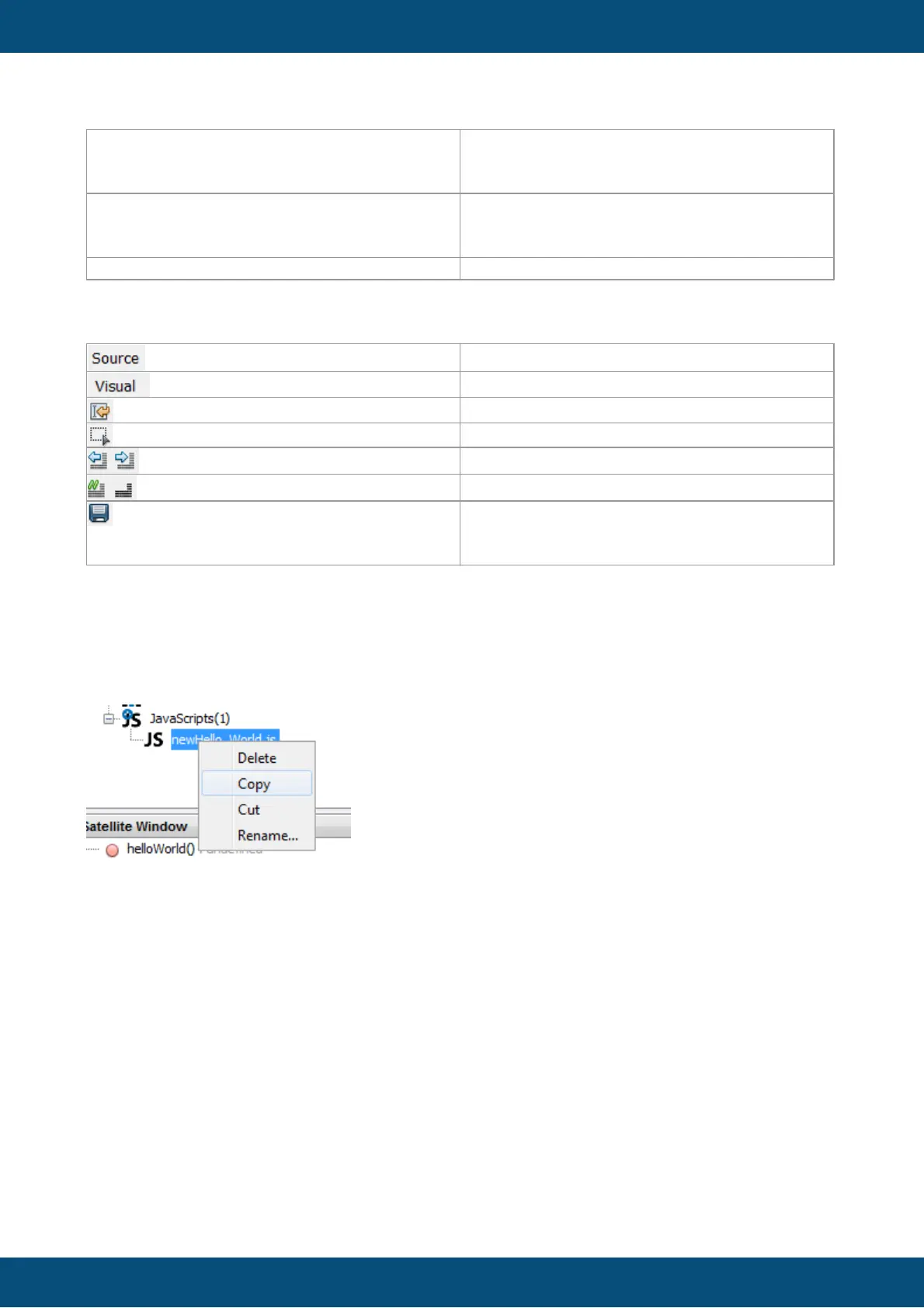
Copy / Cut and Paste of script files
Already existing JavaScript files can be Copy / Paste into the same project or other projects.
Also Rename and Delete of the files is supported and updates all references on events.
Hint: Do not rename the script file over the file system when the file is referenced to object
events, because then the references will be broken.
Handling of non ANSI characters
We have included a plugin that allows JavaScripts with non-ANSI characters (UTF-8 format).
By default, all script files will be opened and interpreted as UTF-8.
When a script file is opened in the editor, the encoding format will be shown in the lower right
corner of the program.



 To Next Page