577
OPUS Projektor Manual
Functionalities
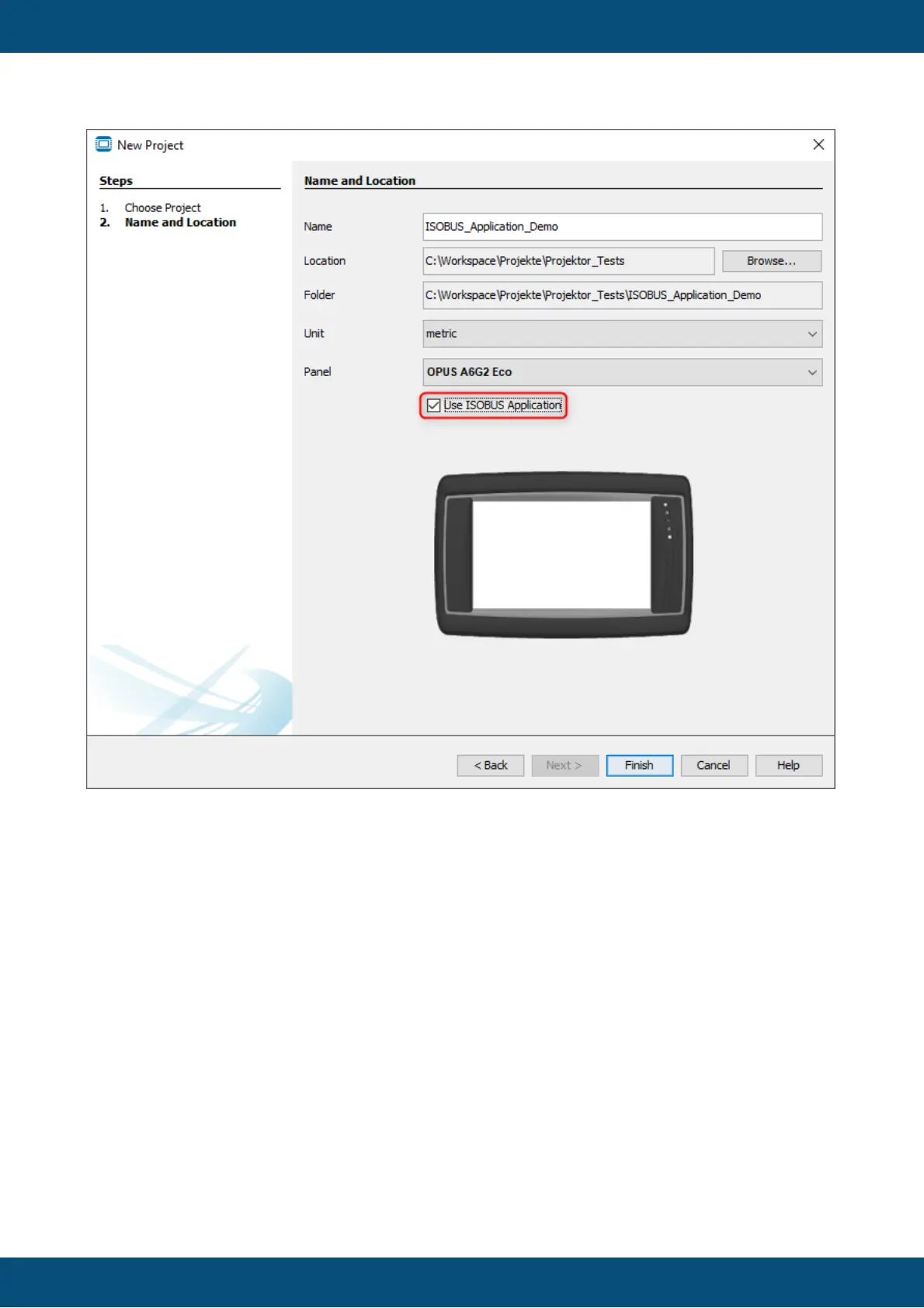
Please note that only Landscape versions can be used as ISOBUS applications. Portrait
projects cannot run as an ISOBUS application.
For the X18 and X40, the ISOBUS checkbox is checked and cannot be un-checked.
For ISOBUS projects, a MiniView Window of the page is created automatically.
For OPUS A8 and X40, these MiniView pages are shown next to the actual page in the
editor.



 To Next Page