578
OPUS Projektor Manual
Functionalities
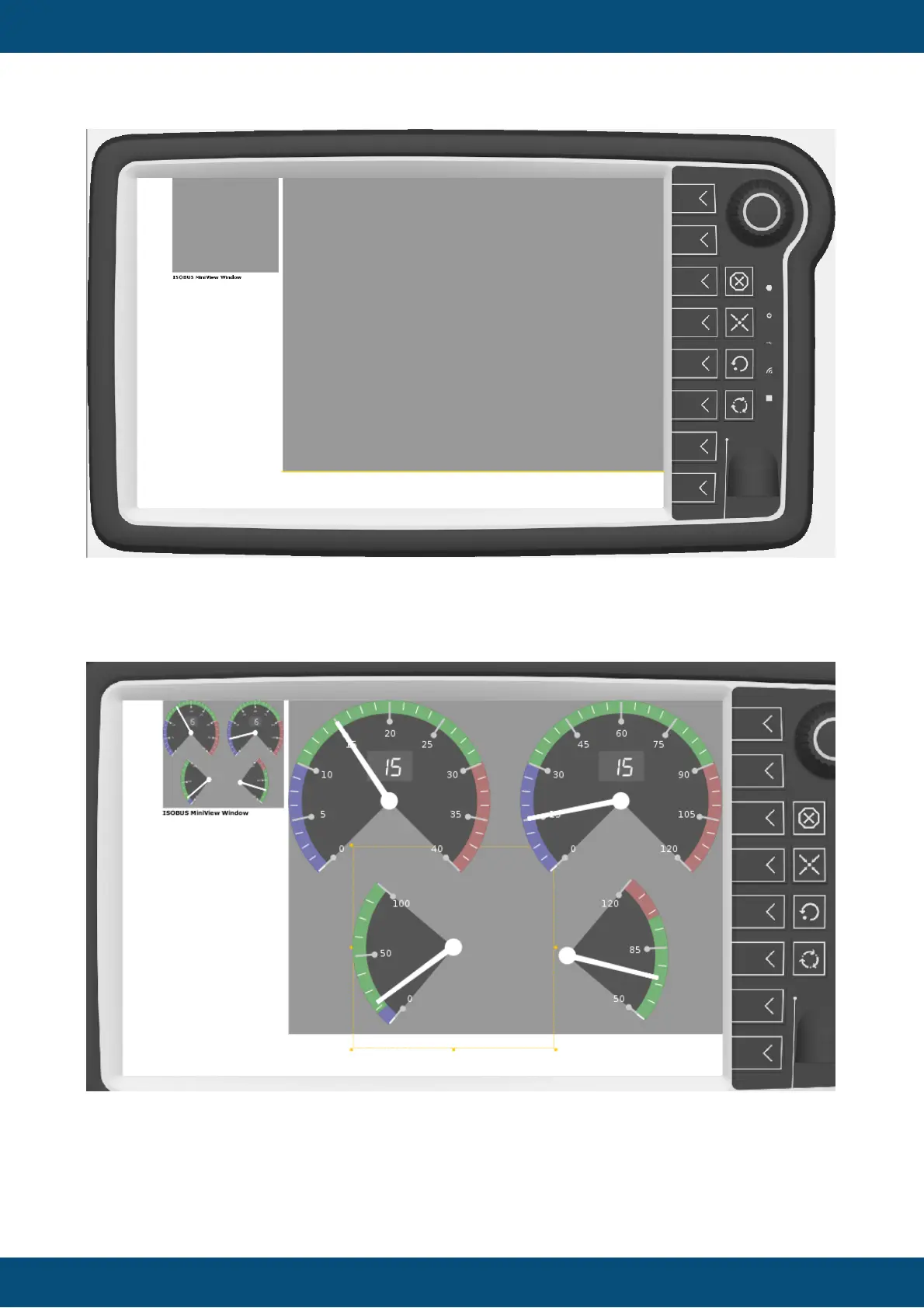
The large portion of the screen will be the normal page, as it will be integrated as a main
screen in the OPUS ISOBUS solution.
The MiniView Window will be used as the small version of the page.
By default, the MiniView will be scaled automatically from the big page.
It is also possible to create a custom MiniView page. This is done by right-clicking the
Miniview Pages entry in the project tree and clicking New Miniview Page.



 To Next Page