·
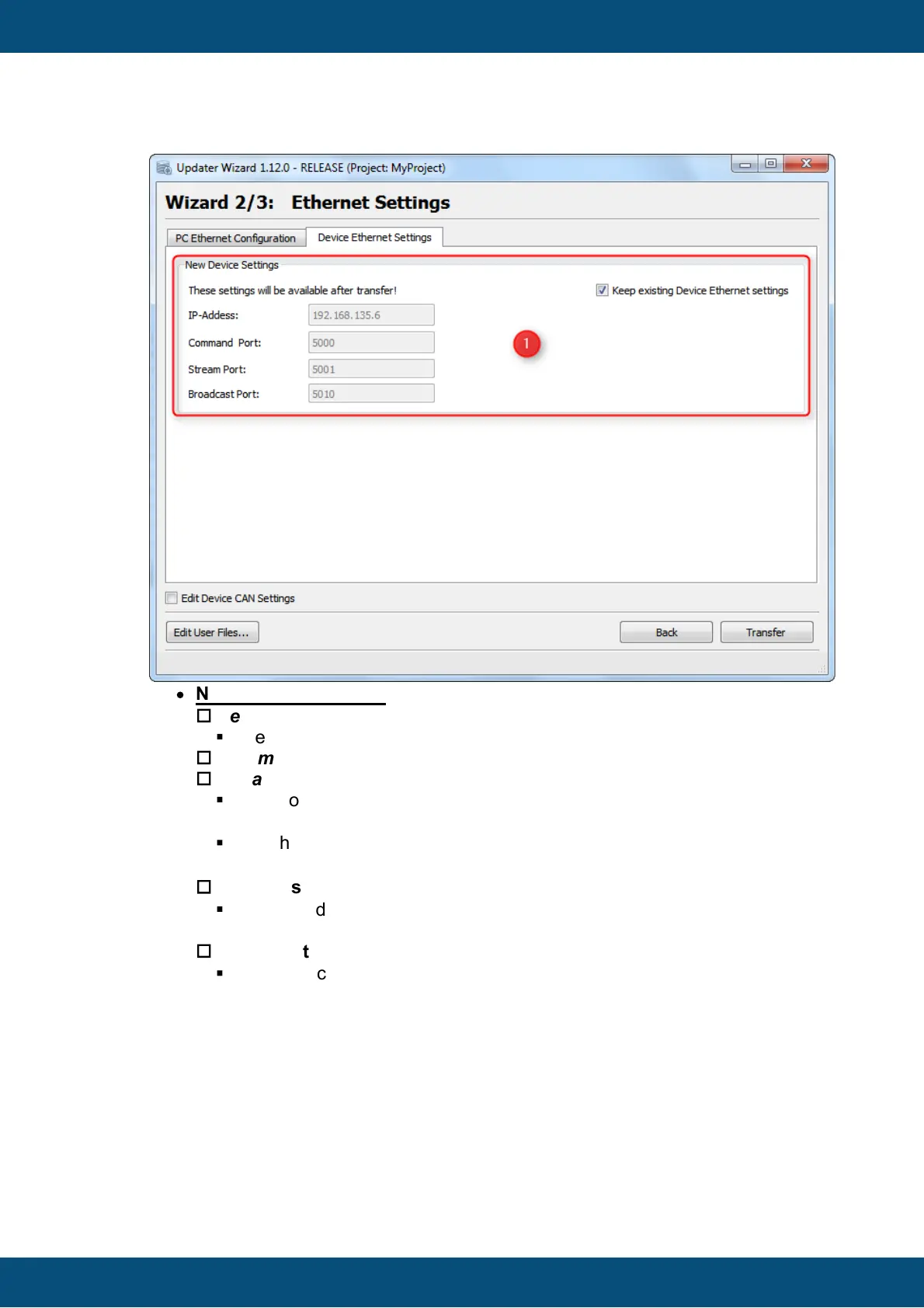
New Device Settings:
o
New Device IP-Address
§
The new IP-Address for the device.
o
Command Port
o
Stream Port
§
New Port Numbers, which will be used for Ethernet communication
between HostUpdater on PC and ClientUpdater on device.
§
Only the Command Port can be edited, the Stream Port will be set
automatically. (Command Port + 1)
o
Broadcast Port
§
New Broadcast Port, which is used to scan the network for connected
devices.
o
Keep existing Device Ethernet settings
§
Keep this checkbox enabled, when you don't want to change the ethernet
settings for a device.
The Ethernet Transfer Page shows the current transfer progress and if the current
transfer finished successfully or with an error.



 To Next Page