The user is responsible to delete unused
files manually (by console or by using the
"post-/preinstallscript.sh")
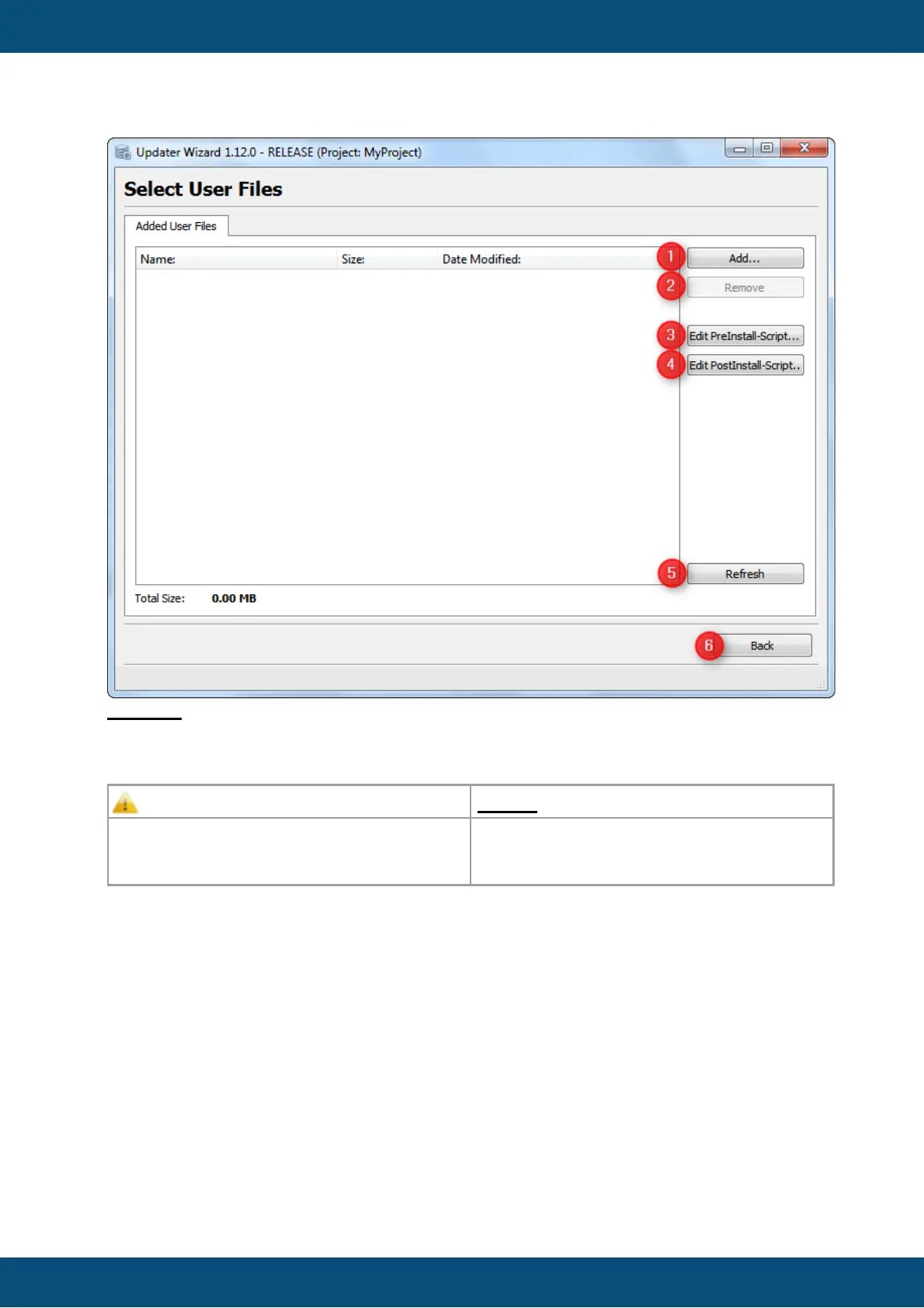
(2) Remove button removes selected files from the list. (Only activated if at least one file is
selected in the list).
(3/4) Opens the Pre/Post-Install scripts in the default application for shell scripts.
(5) If the file list is not updated properly, you can refresh the view manually with Refresh
button.
(6) Back goes back to the last settings page.
Add Files
When the Add... button is clicked, a File Chooser dialog is opend where you can select a
file which shall be added to the user files folder.



 To Next Page