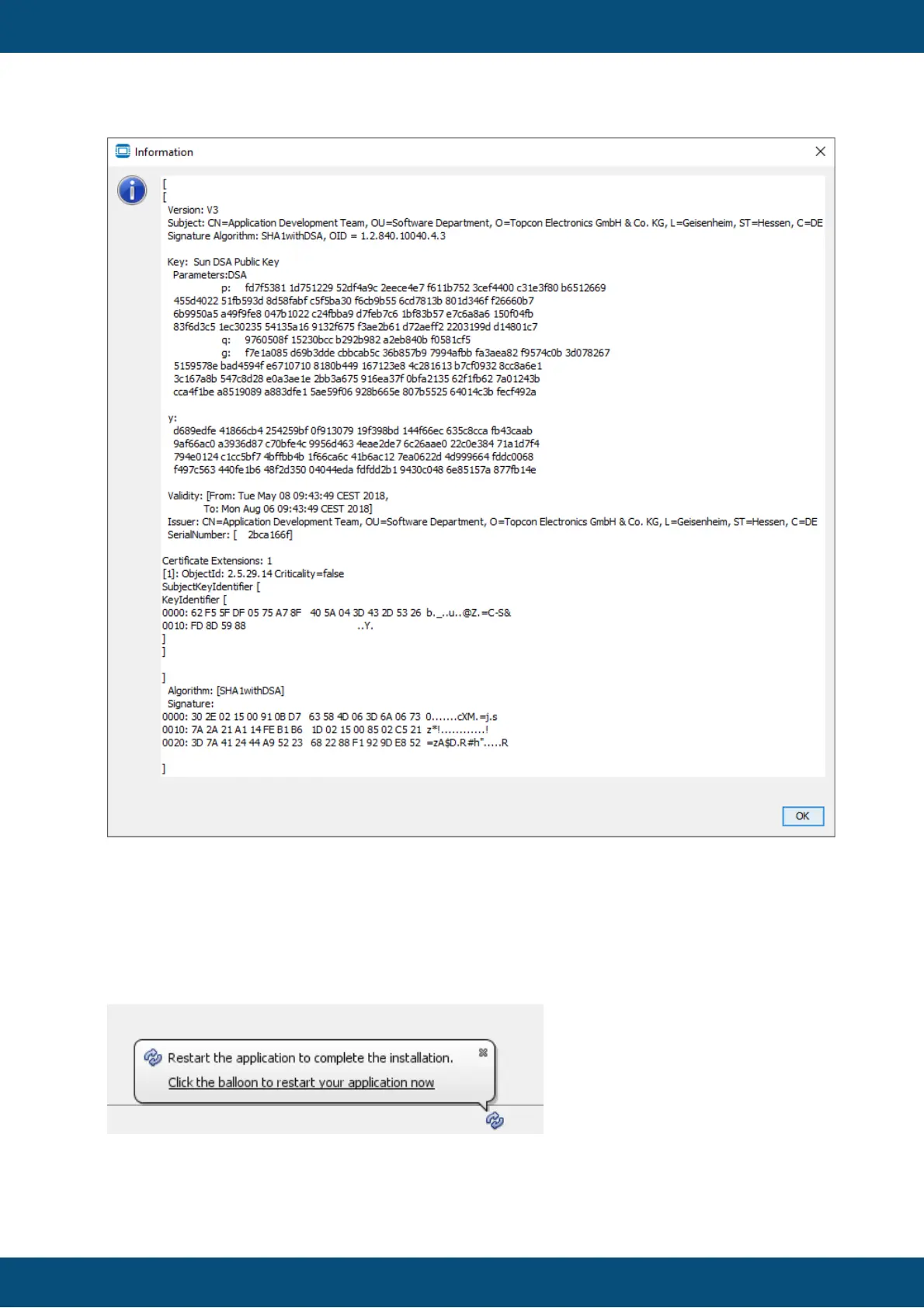
Click OK to close the certificate information.
In the certificate verification dialog, press Continue to progress in the update installation.
Cancel stops the update process. Click Next to start downloading the update.
After the verification, a bubble will show up that asks you to restart the program to complete
the installation.
Click the balloon to restart the program and finish the update installation.


 To Next Page
 Loading...