670
OPUS Projektor Manual
Miscellaneous
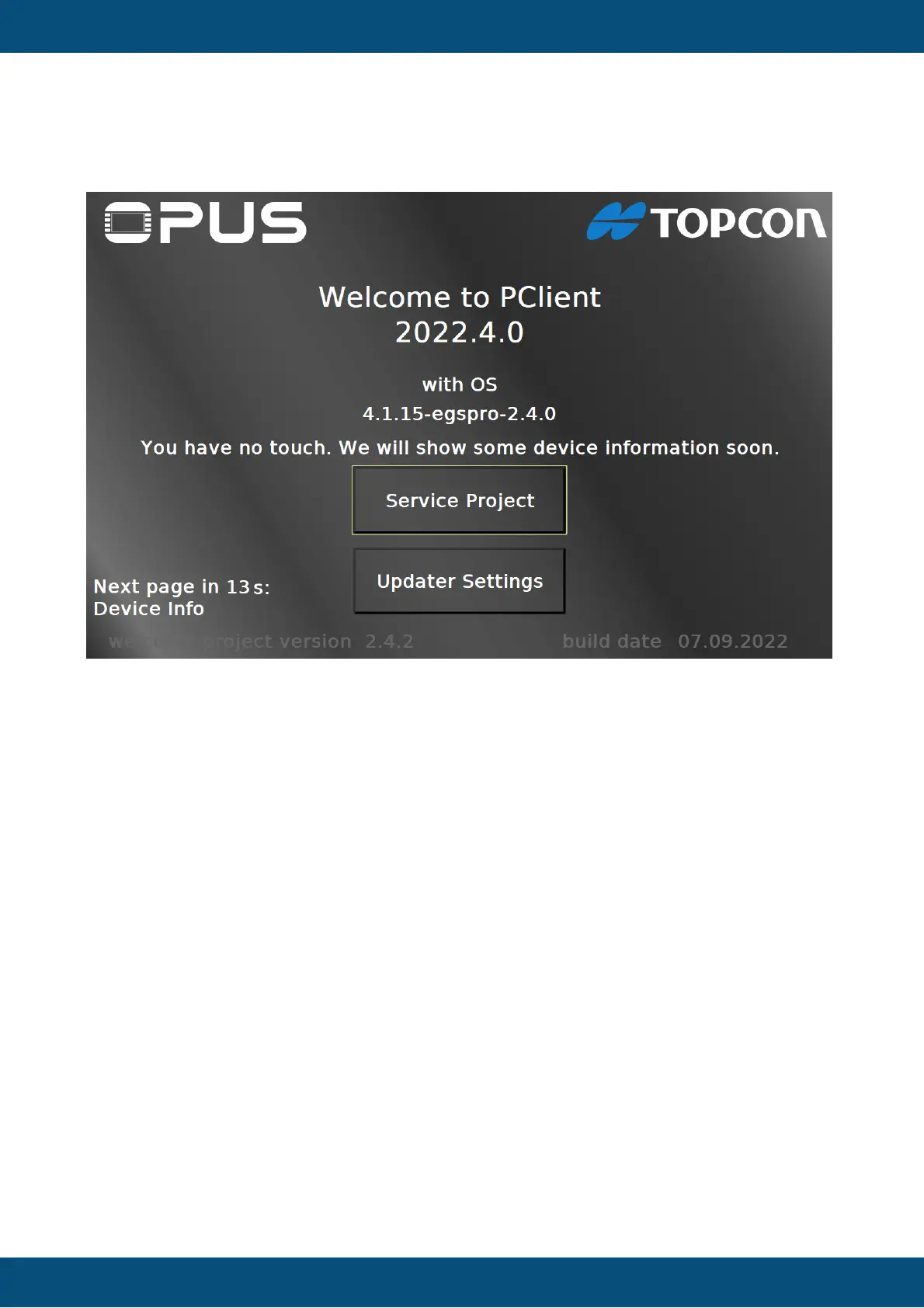
If your device has no input method, i.e. no keys and no touch, the welcome project will start in
a no touch mode.
In this mode, the project will show different screens to show some information about the
device. The pages are
Home page -> Device Info -> Sensors -> Power Modes -> Power Mode Time Settings ->
Power Modes Configuration -> Info to USB
There will be a counter in the lower left, showing when the next page will be shown. The next
page will be written there, as well.
On the Info to USB page it is possible to copy the information files to the USB stick by
disconnecting the ignition for a short time (just a couple of seconds, make sure you reconnect
before the low-power time out time).
Updater Settings
By pressing the Updater Settings button you can navigate to the Updater Settings page.


 To Next Page
 Loading...