671
OPUS Projektor Manual
Miscellaneous
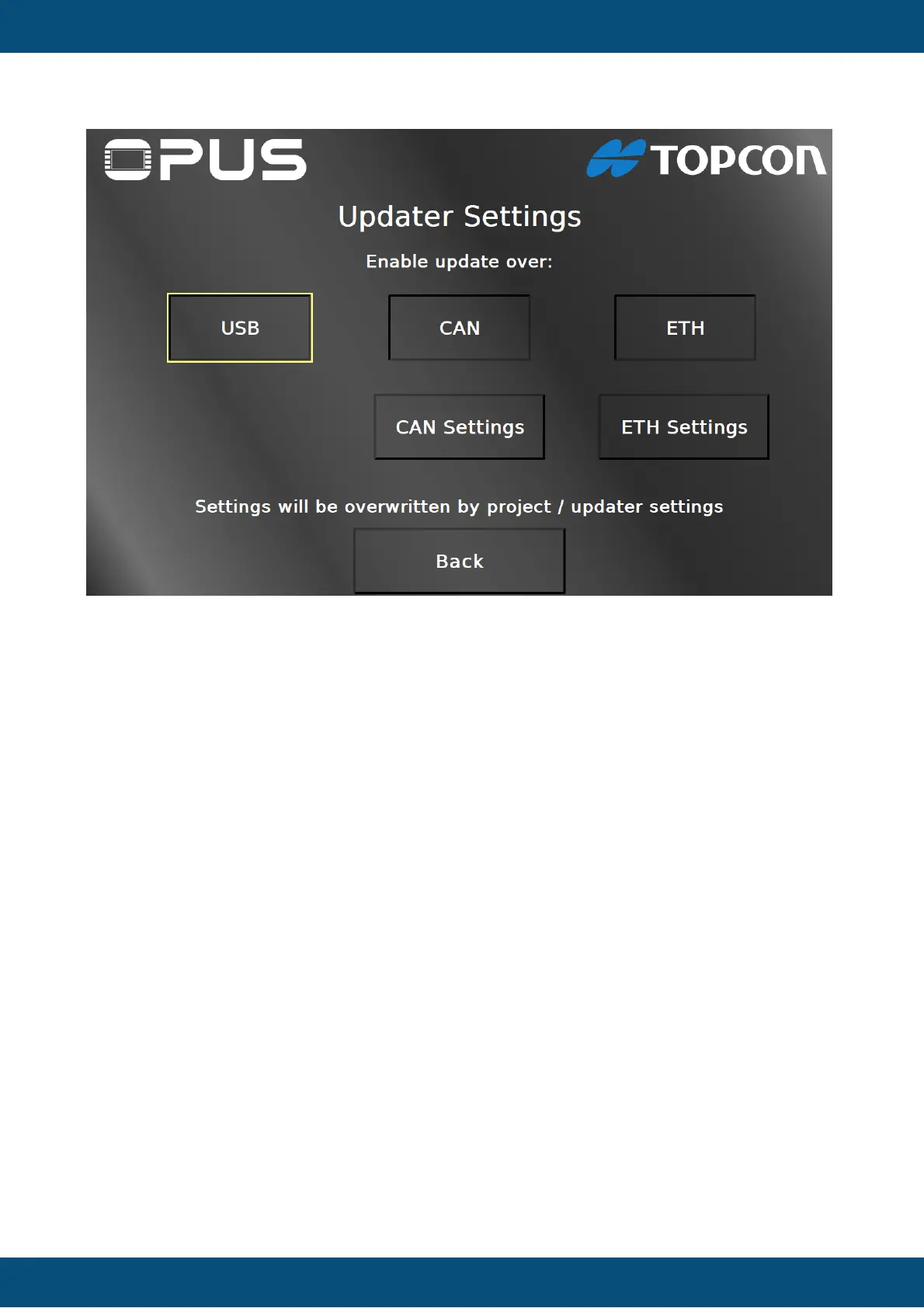
On this page you can enable / disable the project download over USB, CAN and ETH
(Ethernet) by pressing the according buttons. Pressing them again will inverse the current
setting. By pressing the CAN Settings button you can navigate to the CAN Settings page. By
pressing the ETH Settings button you can navigate to the Ethernet Settings page. Both
settings buttons will only be visible when the according transfer medium is enabled.
Back returns to the main welcome page.


 To Next Page
 Loading...