677
OPUS Projektor Manual
Miscellaneous
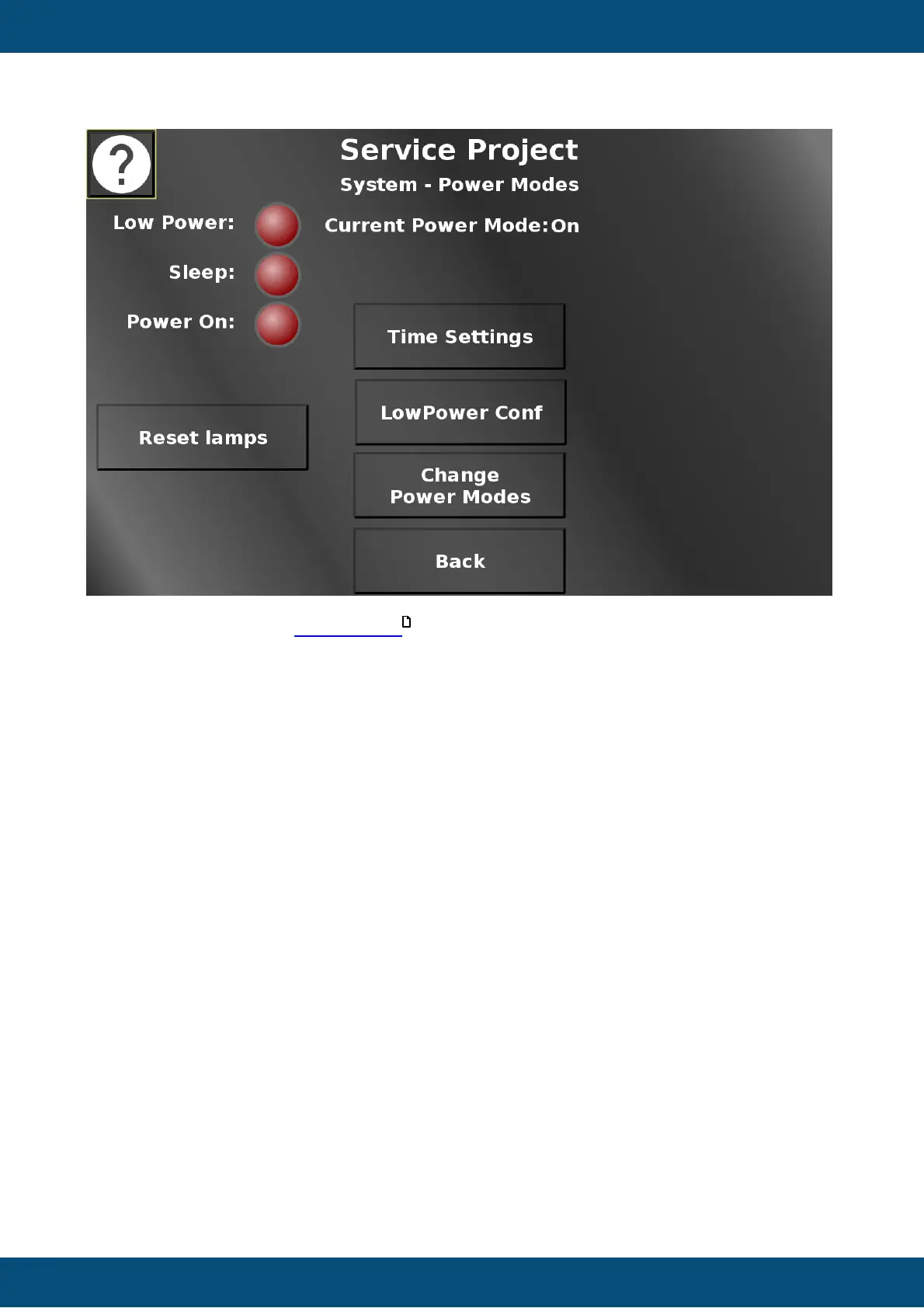
In this screen the different power events can be tested. The current power mode is shown
in the top. The lamps will light up when the according power event is used. Disconnect clamp
15 /ignition pin to enter low-power mode, and then sleep mode, after which the device will turn
off. Reset lamps turns all lamps off.
Additionally, three configuration screens can be entered. Time settings allows setting the
times for the different power modes. LowPower Conf leads to a page where hardware
elements can be configured for the low-power mode. On Change Power Modes some power
modes can be entered.
Back returns to the system menu.
Service Project -> System -> Power Mode Time Settings
746


 To Next Page
 Loading...