678
OPUS Projektor Manual
Miscellaneous
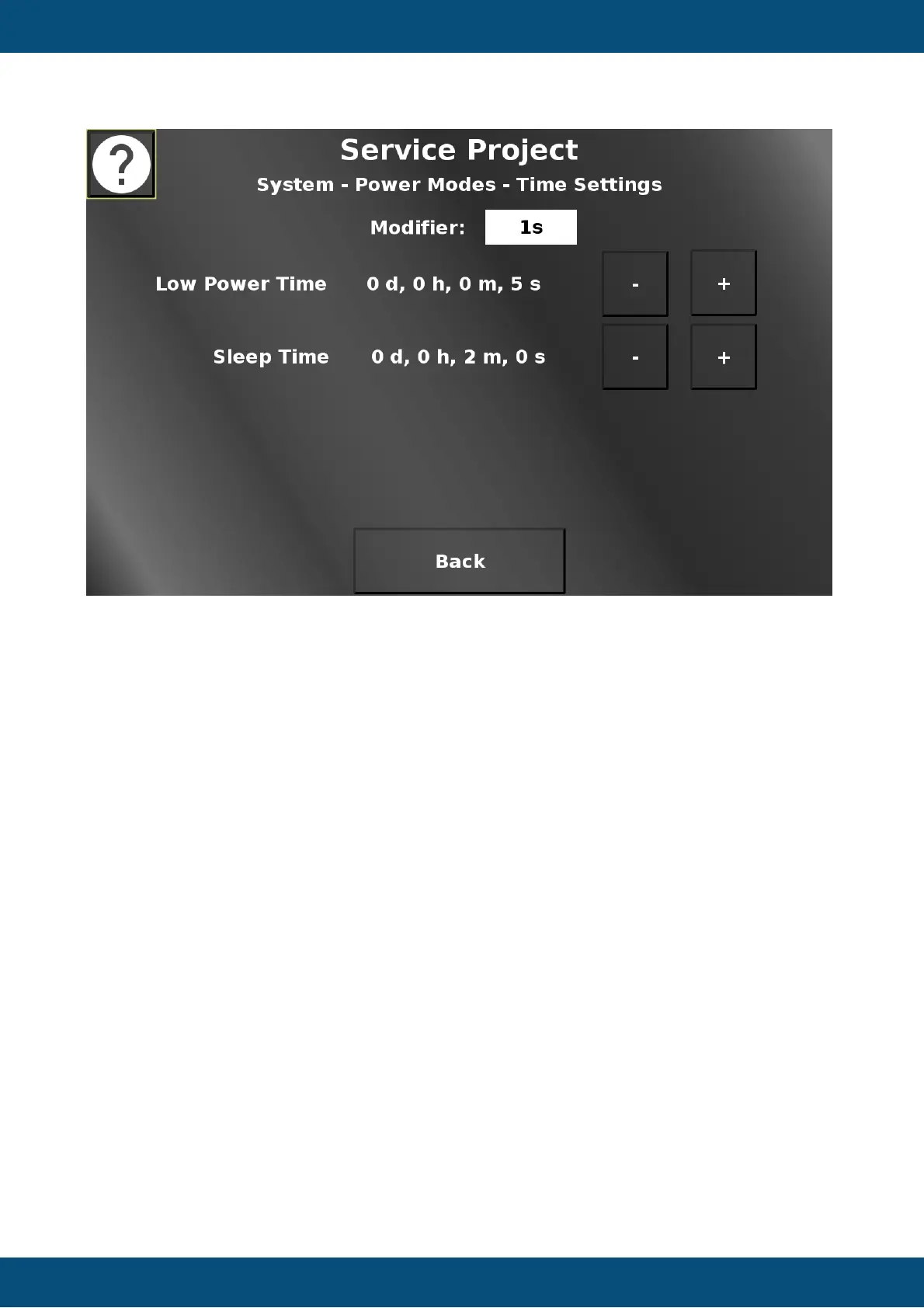
In this screen the times for the low-power mode and the sleep mode can be set. - (minus)
decreases the time, + (plus) increases the time. For some devices, the silent on to low power
time can be set, as well. The amount that the current value is modified by, can be chosen with
the Modifer dropdown. Back returns to the Power Modes screen.
Service Project -> System -> Low Power Configuration


 To Next Page
 Loading...