679
OPUS Projektor Manual
Miscellaneous
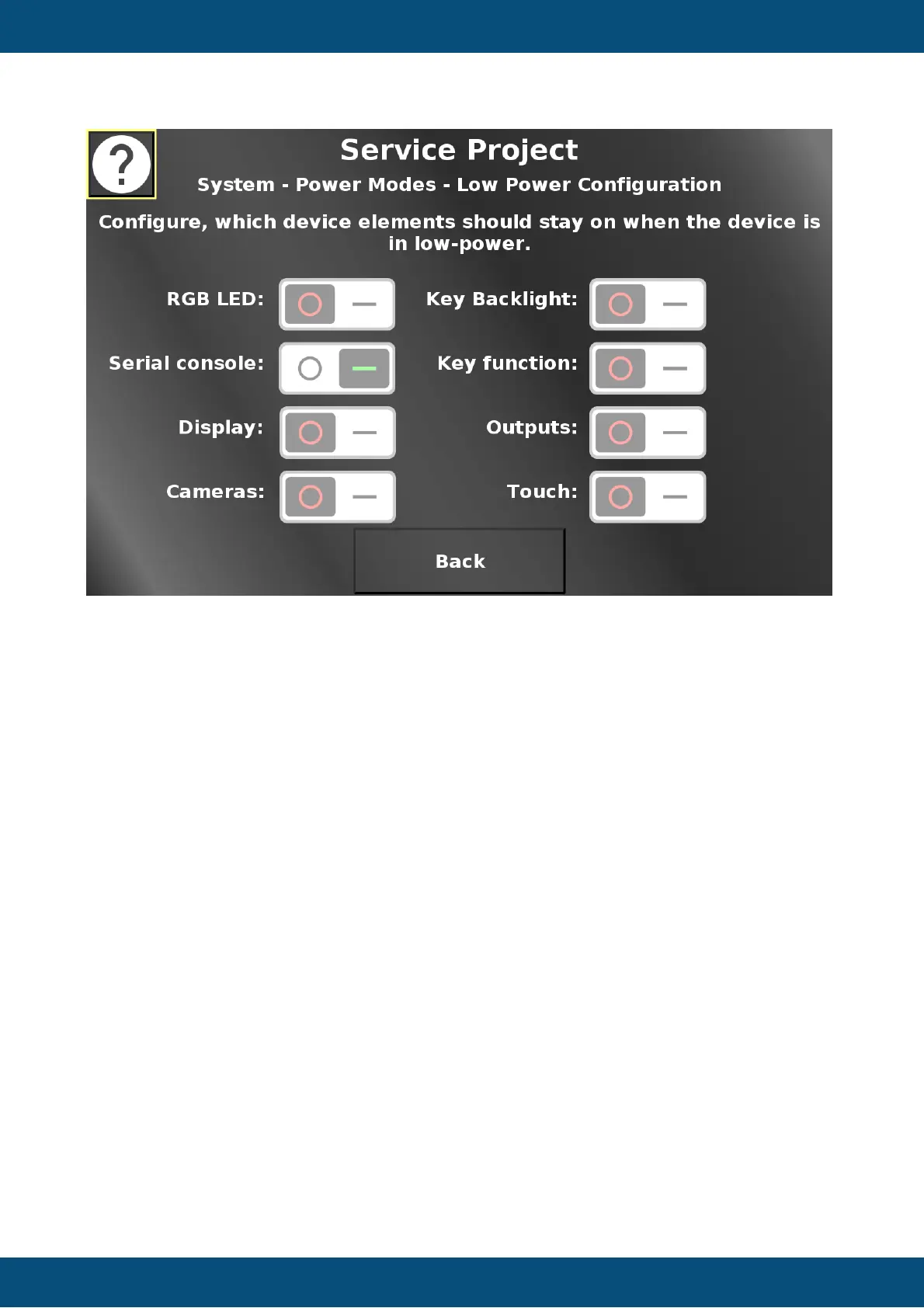
In this screen, hardware elements can be configured to stay on or turn off when low power
mode is entered. If the switch is in the OFF position, the element will turn off when low-power
mode is entered. If the switch is in the ON position, the element will stay on in low-power
mode.
Back returns to the power mode screen.
Service Project -> System -> Change Power Modes


 To Next Page
 Loading...