680
OPUS Projektor Manual
Miscellaneous
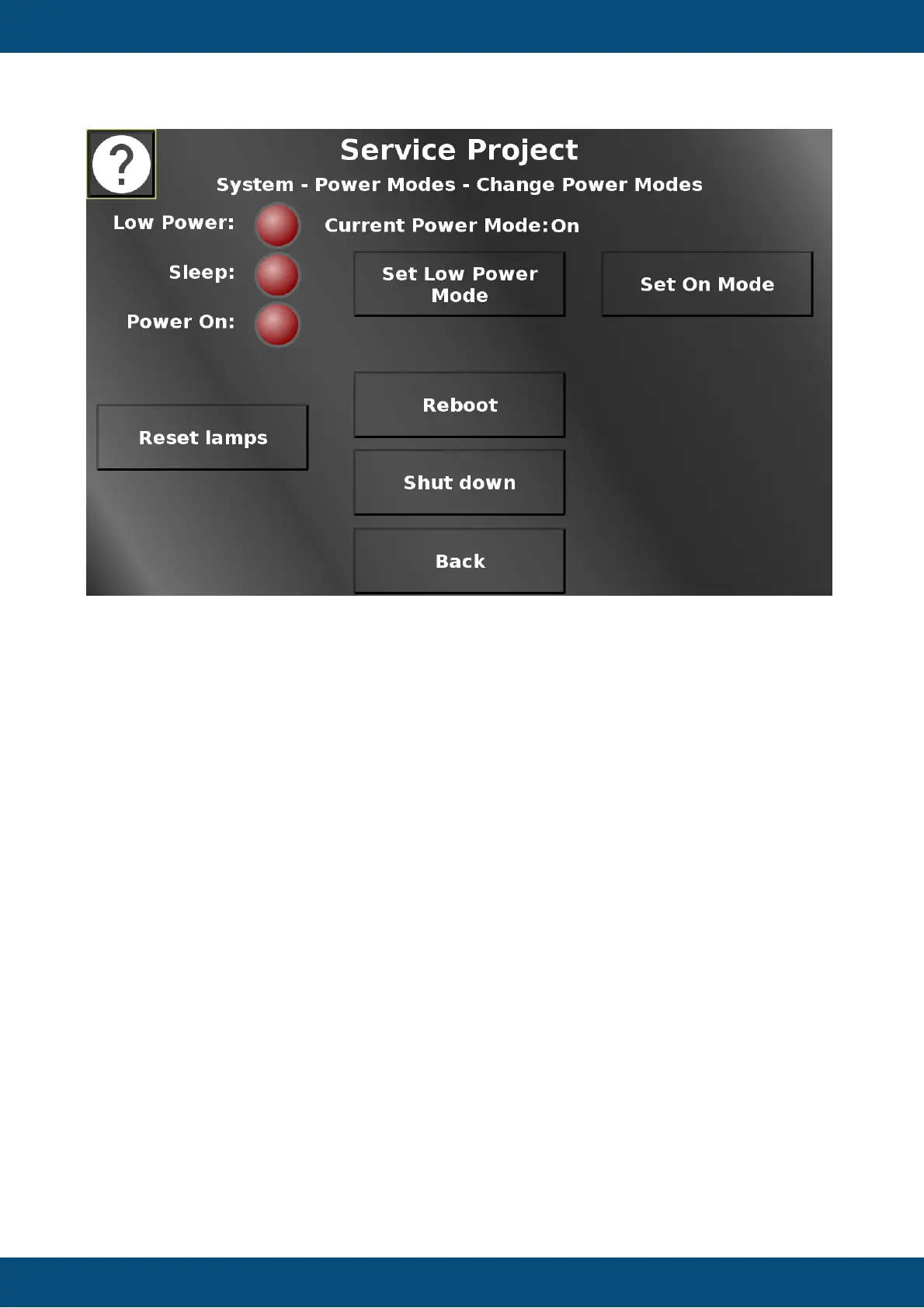
In this screen different power modes can be activated. Low power and on mode can be set
here. For some devices, a timed low power mode can be set, as well. For both low power
modes a popup will be shown, warning that a way back to on mode should be considered,
either by disconnecting and re-connecting ignition, or by setting display, touch and or keys to
still work in low power mode. Additionally, the device can be rebooted and shut down. The
lamps and the current mode are identical to the power mode screen.
Back returns to the power mode screen.
Service Project -> System -> Simulation


 To Next Page
 Loading...