681
OPUS Projektor Manual
Miscellaneous
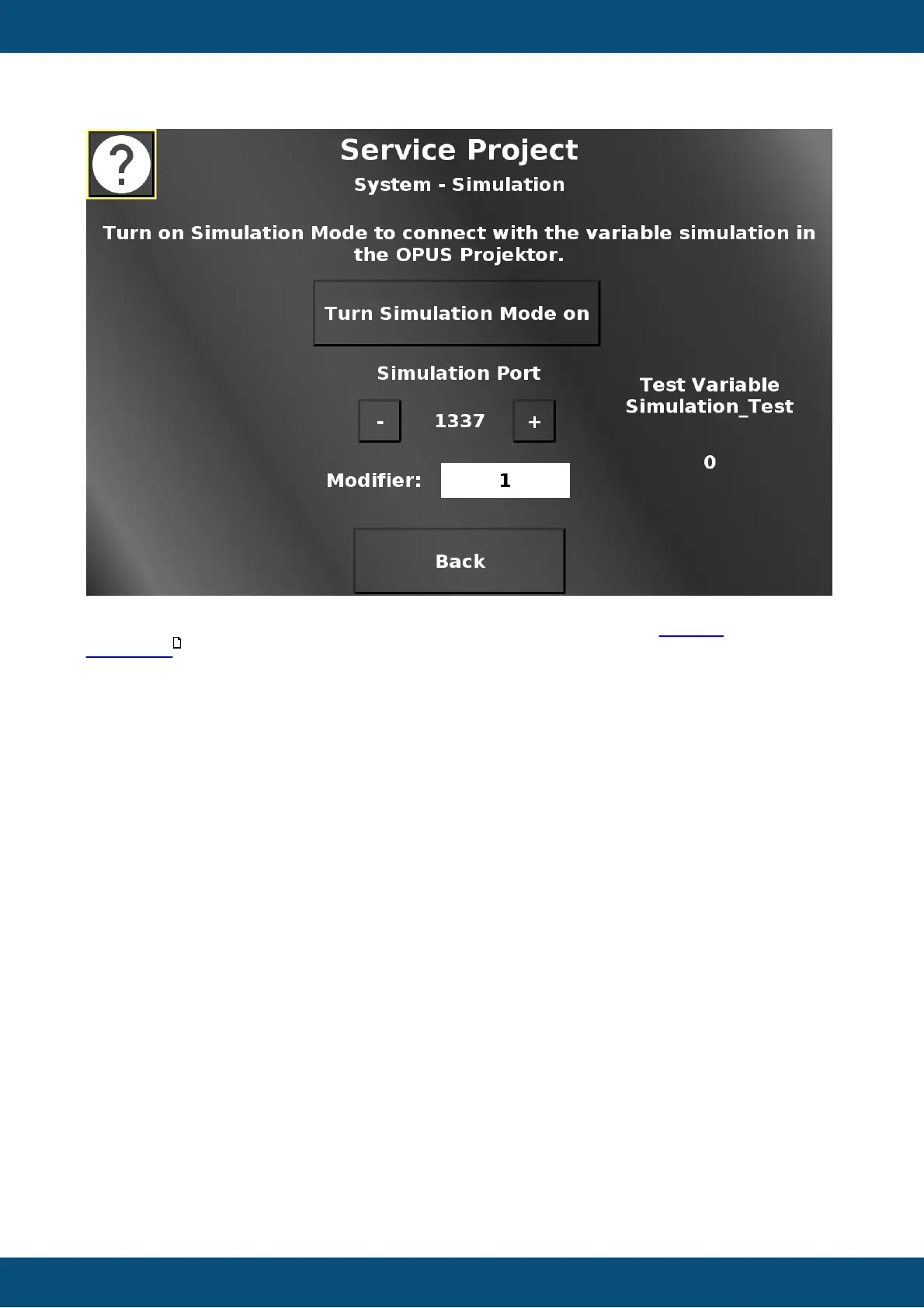
In this screen the simulation mode can be enabled to be able to use the variable
simulation in the OPUS Projektor for the device.
Additionally, the port for the simulation can be set by pressing the - (minus) and + (plus)
buttons.
The modifier drop down chooses the value by which the - and + buttons change the port value.
Back returns to the system menu.
Service Project -> System -> Touch Calibration
601


 To Next Page
 Loading...