682
OPUS Projektor Manual
Miscellaneous
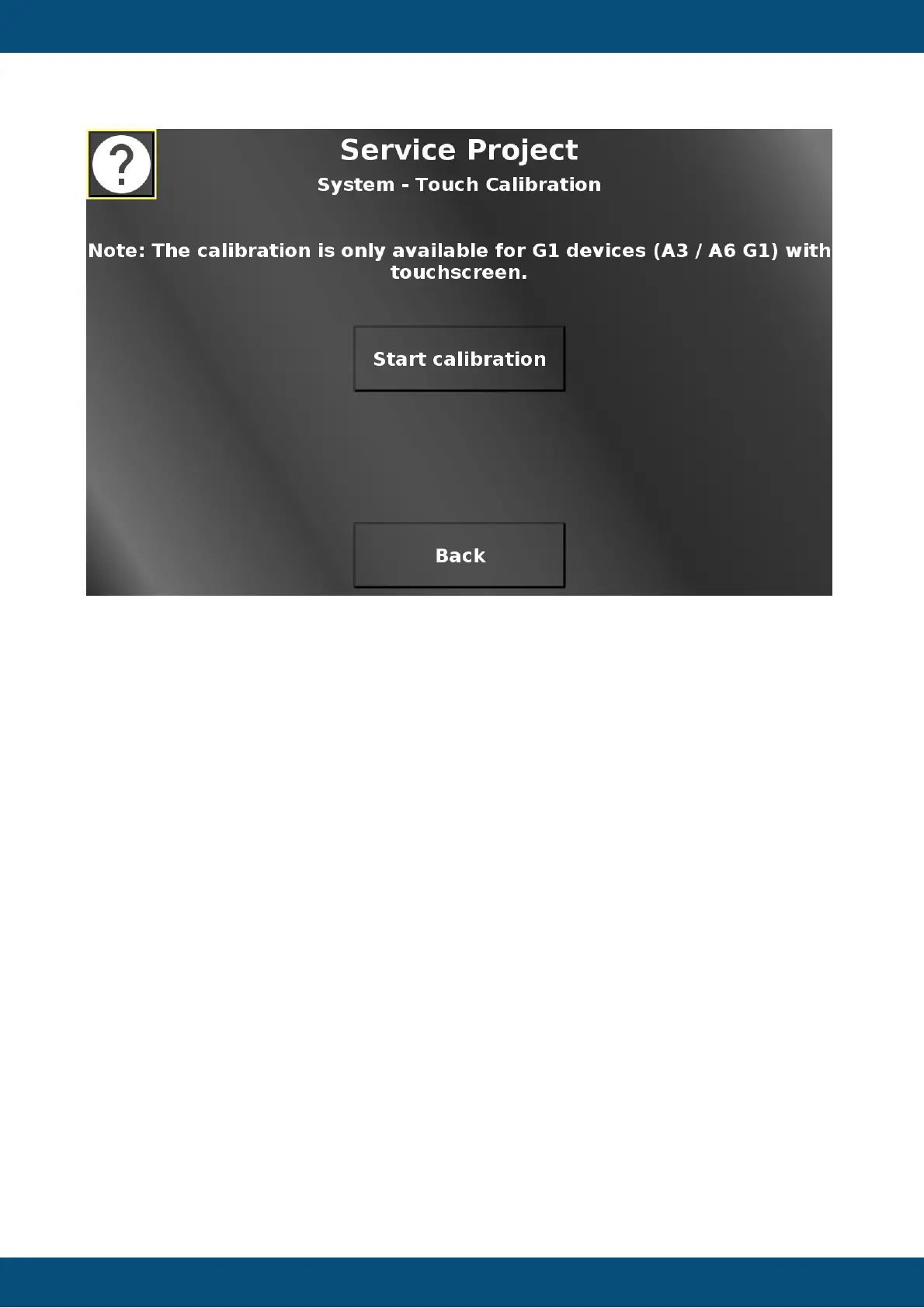
In this screen the touch screen calibration can be started. 5 cross hairs will appear one after
another (top left, top right, bottom right, bottom left, center). Press the cross hairs to calibrate
the screen.
Please note that the PClient stays on during this operation, so the cross hairs will be painted
over this screen.
Please note that the calibration is only available for A3/A6 G1 touch screens. Devices with
capacitive touch screens do not neet this calibration.
Back returns to the system menu.
Service Project -> System -> Encoder Settings


 To Next Page
 Loading...