683
OPUS Projektor Manual
Miscellaneous
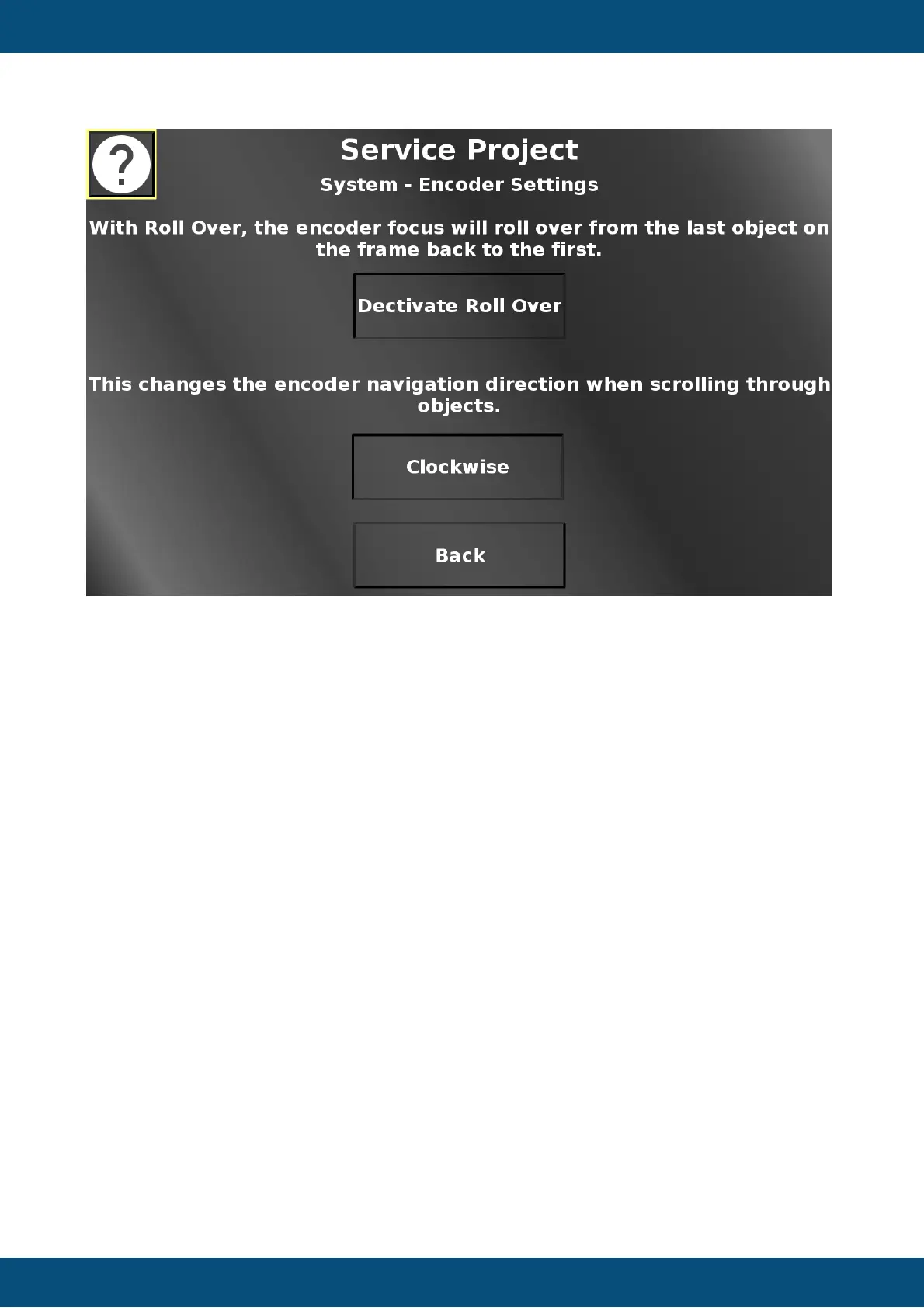
In this screen two encoder settings can be made.
Roll over means that the yellow selection rectangle will not stop at the last object, but it will roll
over to the first object again.
Additionally, the navigation direction for the encoder can be switched between clockwise and
anti-clockwise.
Back returns to the system menu.
Service Project -> System -> Ethernet Settings


 To Next Page
 Loading...