684
OPUS Projektor Manual
Miscellaneous
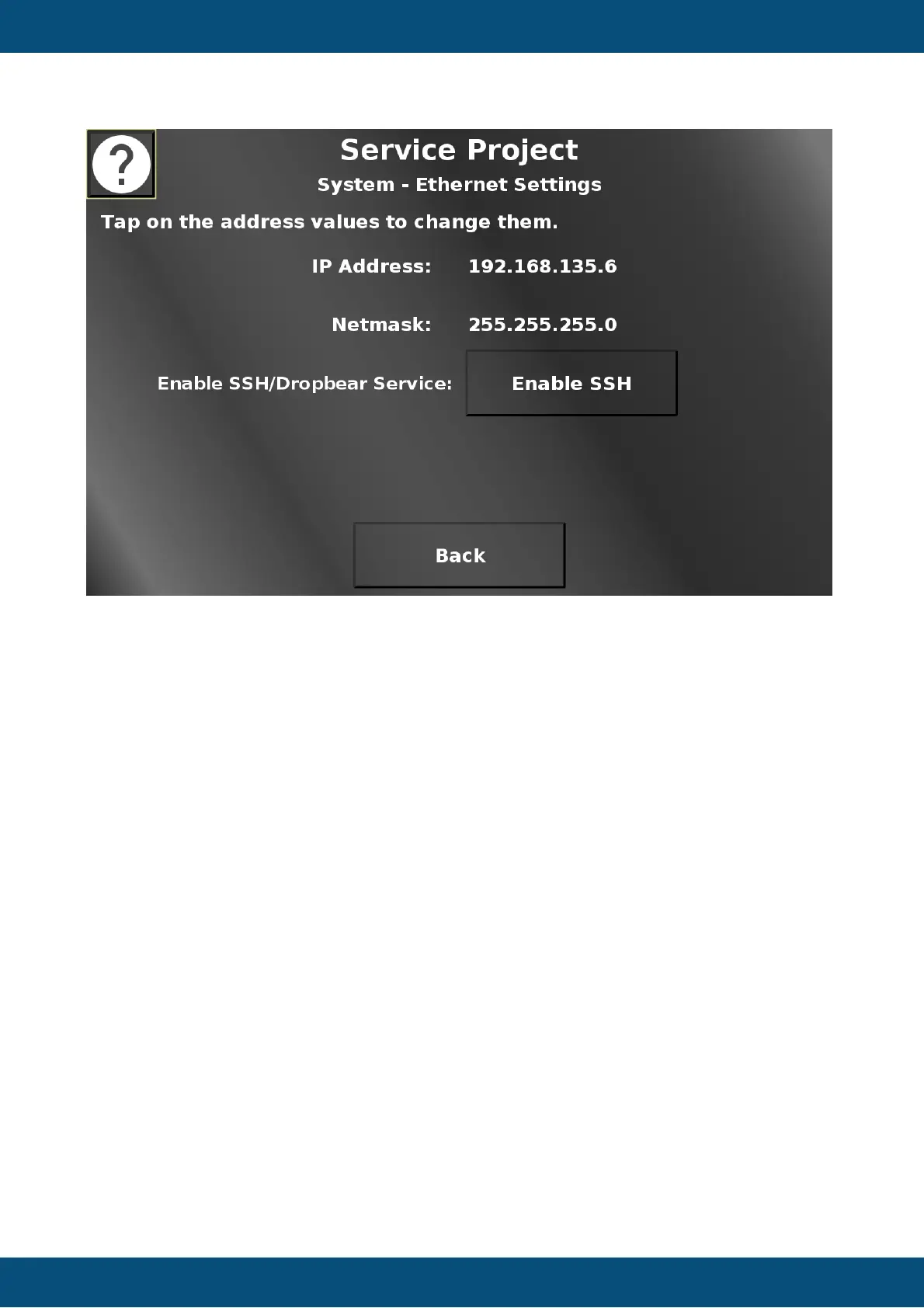
In this screen, the IP address and Netmask can be set, similarly to the updater screen
described above.
Additionally, SSH can be enabled here. On devices with Automotive Ethernet, the mode can
be switched between master and slave here, as well.
Back returns to the system menu.
Service Project -> System -> USB Browser


 To Next Page
 Loading...