688
OPUS Projektor Manual
Miscellaneous
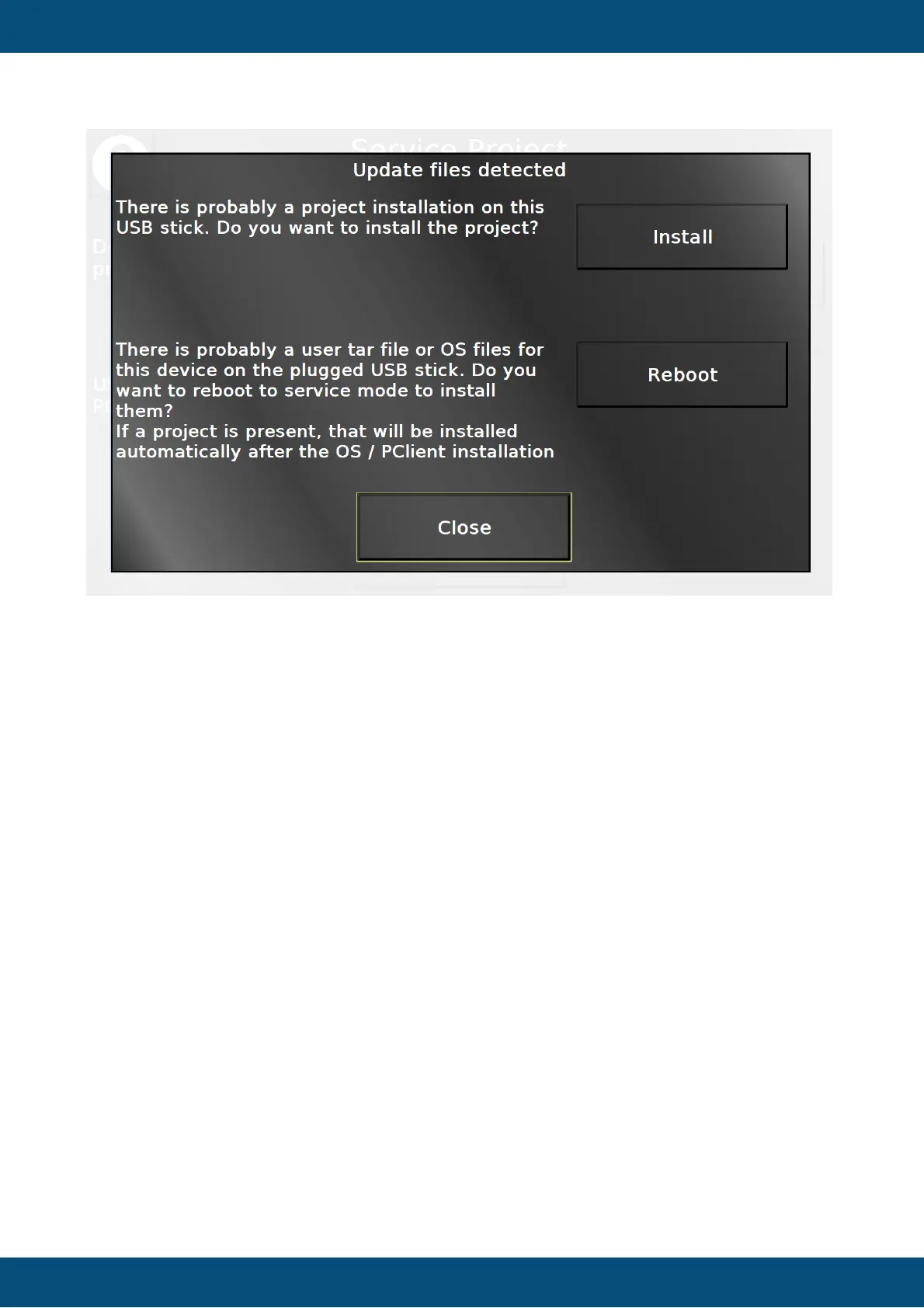
By pressing Install, the project on the USB stick will be installed.
By pressing Reboot, after a confirmation the device will be rebooted in service mode in which
the OS / PClient files will be installed. Note that afterwards the device reboots again, starts in
service mode, and if a PClient is installed and a valid project is on the USB stick, that project
will be installed automatically, since the USB Update Check settings are volatile.
Close will return to the page that was shown before.
Service Project -> Sensors


 To Next Page
 Loading...