687
OPUS Projektor Manual
Miscellaneous
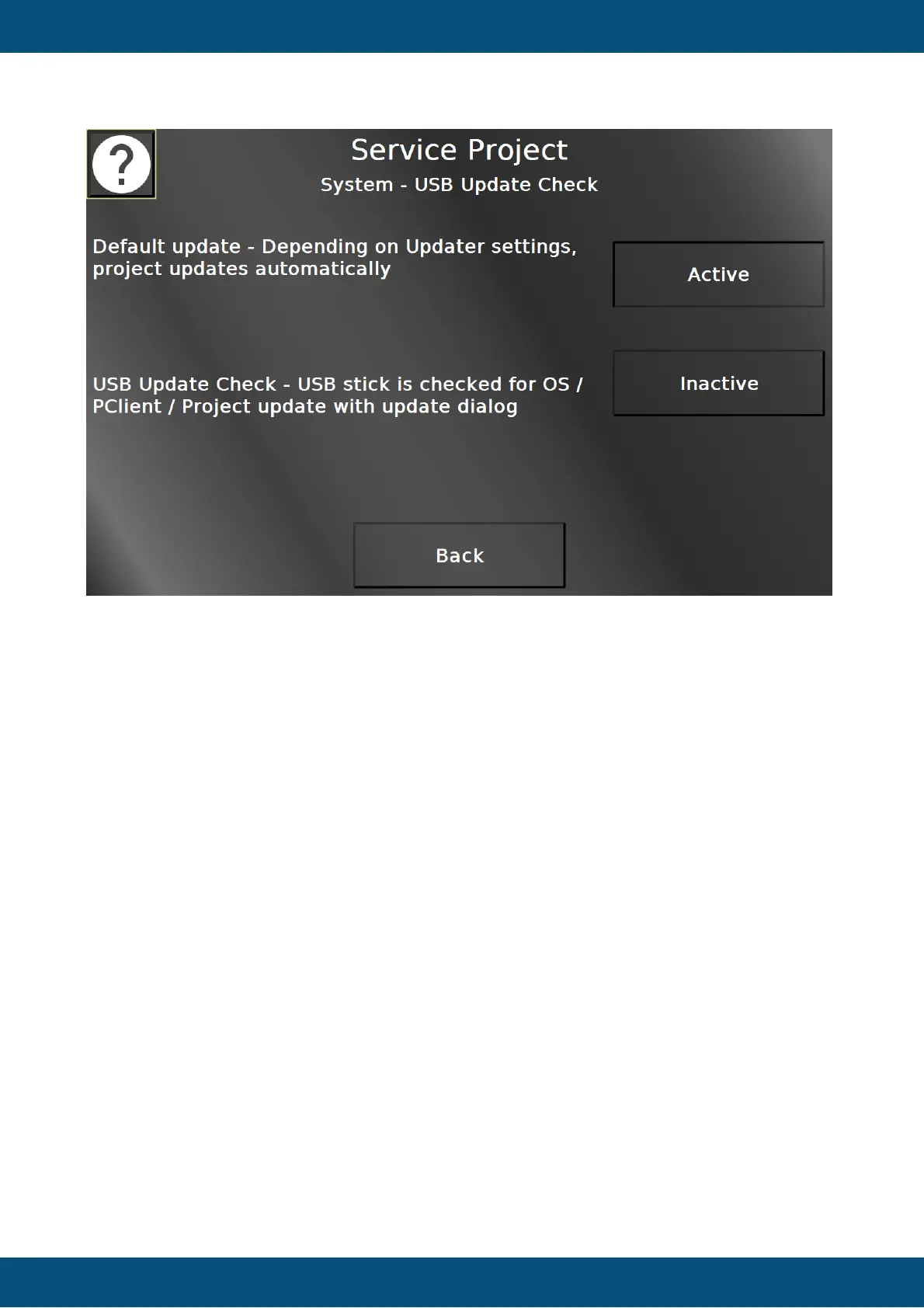
In this screen the update behavior when inserting a USB stick can be selected. The default
update option (active by default) is the behavior as you know it - when a USB stick with a
project is inserted and USB update is enabled in the Updater section, the project will be
loaded.
With the USB Update Check the behavior will be different. If a USB stick is inserted, it is
checked whether the USB stick contains a project and/or OS/PClient files. If it contains either
of those, a popup alarm will be displayed, giving the options to load the project or to reboot in
service mode to install the OS / PClient files.
Back returns to the system menu.


 To Next Page
 Loading...