686
OPUS Projektor Manual
Miscellaneous
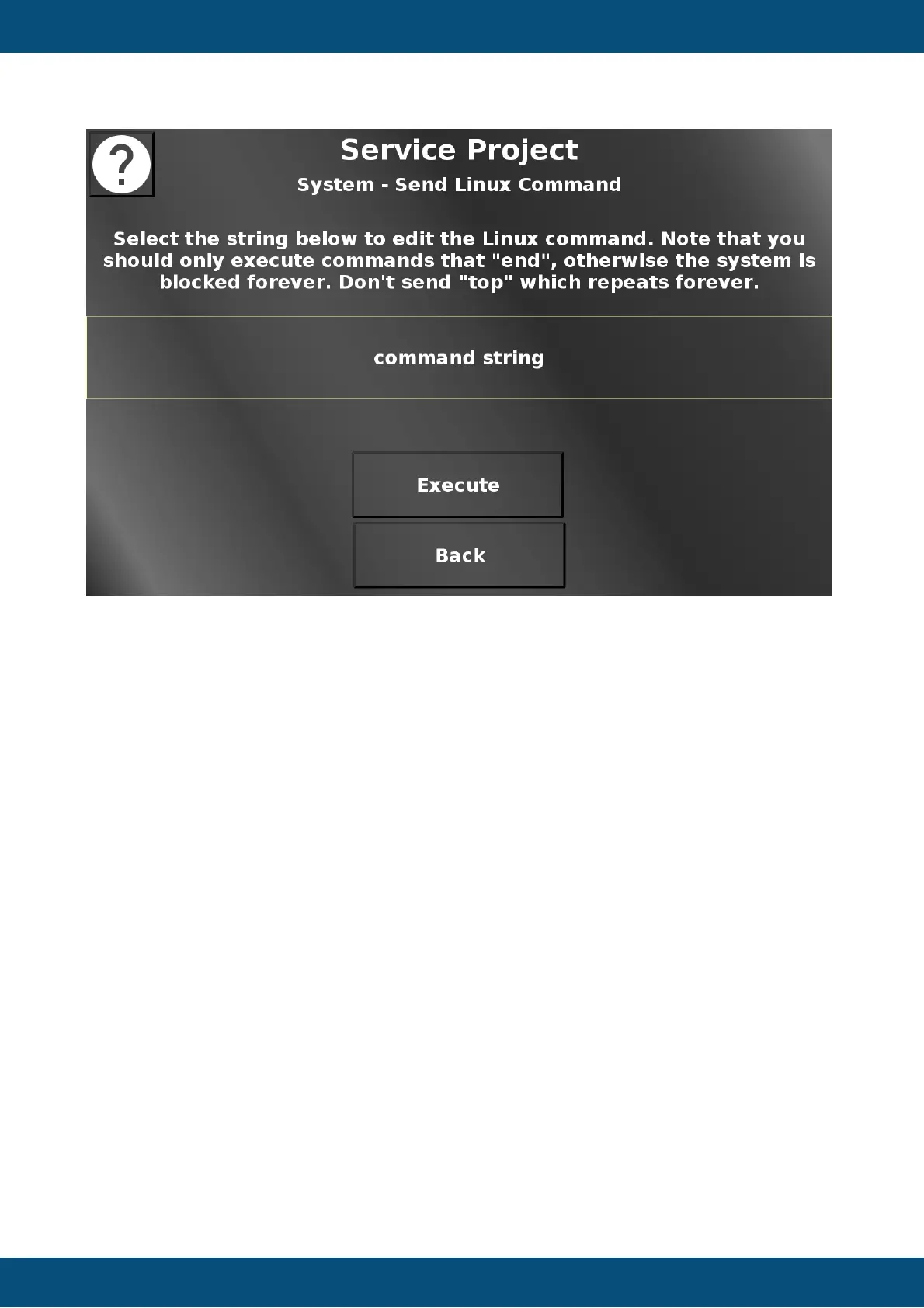
In this screen a Linux command can be executed. Select the field that says "command string"
and a virtual keyboard will open. Enter a command of your choice. With the Execute button the
command will be executed in the Linux system. If the command is faulty, it will be displayed
that there was an error executing this command.
Please note that only valid commands should be entered, and only commands that will finish
in a finite time. Since the execution of the command is done in JavaScript, the PClient will
wait until the Linux command has finished before continuing. So a simple command like "top"
will lead to a non-reactive device, because top will show the CPU usage of the processes and
refresh that forever. In such a case the device has to be rebooted.
Back returns to the system menu.
Service Project -> System -> USB Update Check


 To Next Page
 Loading...