696
OPUS Projektor Manual
Miscellaneous
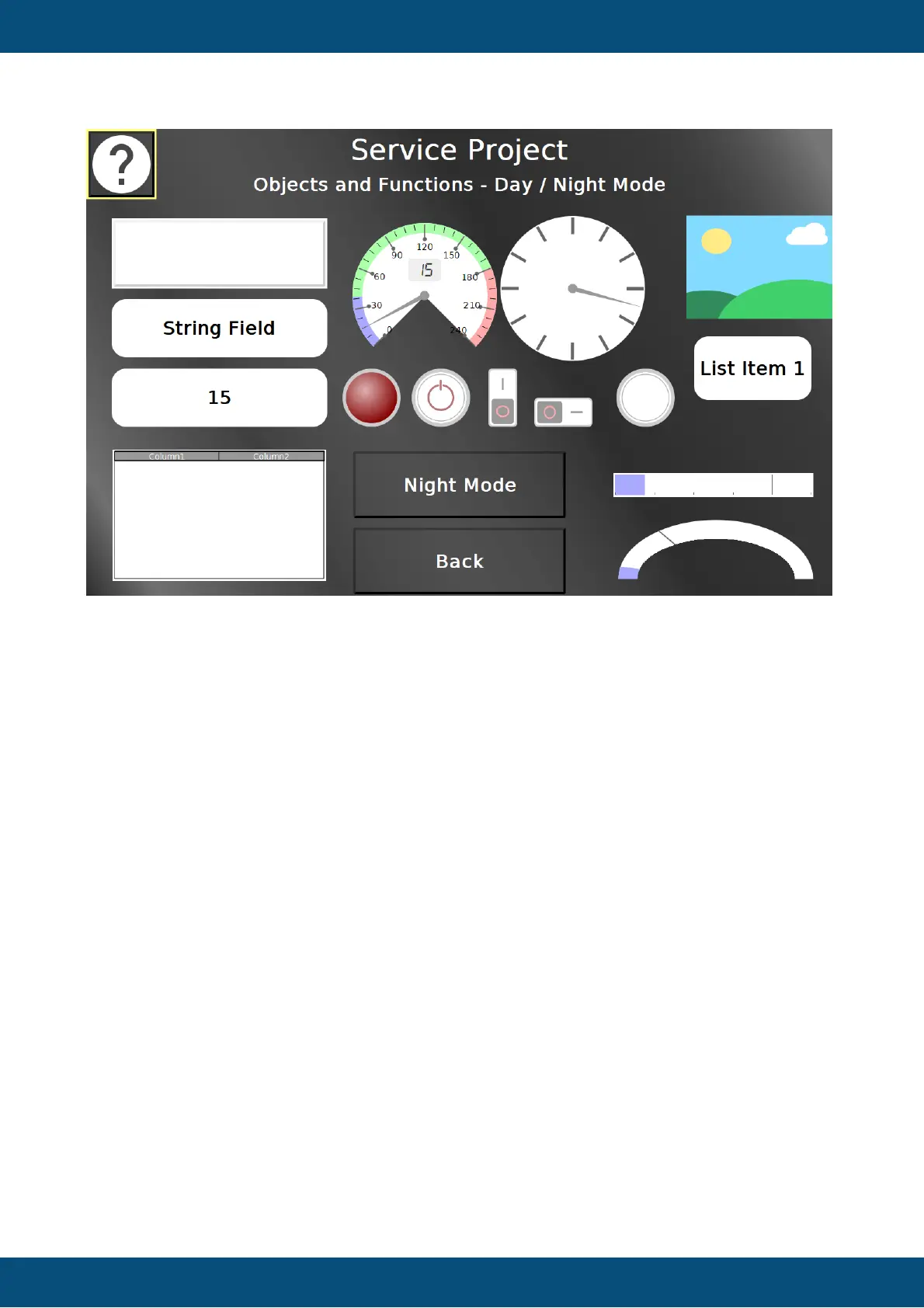
In this screen the day / night mode can be tested.
The Night Mode / Day Mode button switches all objects between their day mode / night mode
theme.
The input objects can be tested, including the touch input for the list object.
Back returns to the Objects and Functions menu.
Service Project -> Objects and Functions -> Screenshots


 To Next Page
 Loading...