697
OPUS Projektor Manual
Miscellaneous
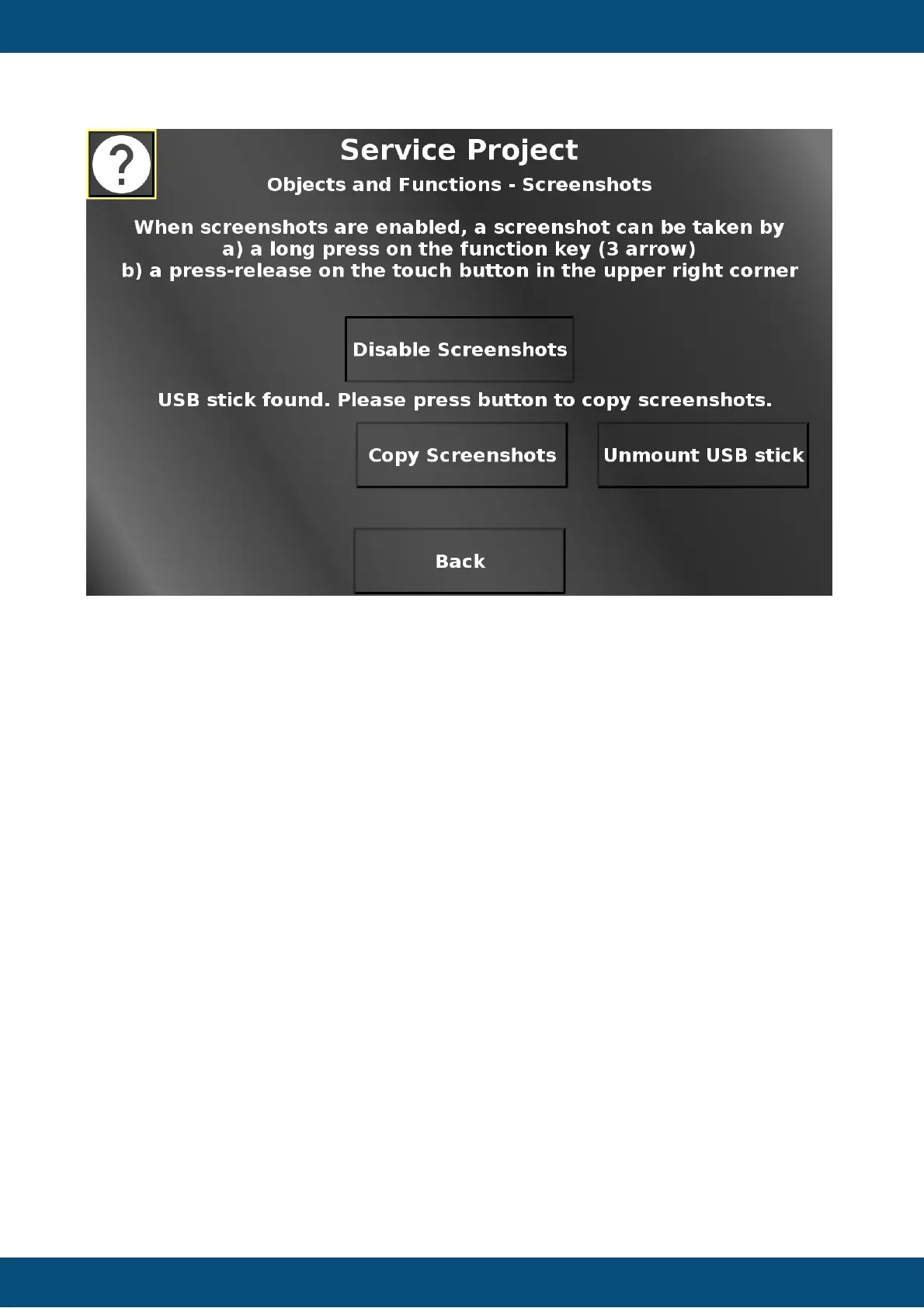
In this screen, screenshots can be enabled by pressing "Enable Screenshots". When
screenshots are enabled, a screenshot can be taken on every page by either pressing the
camera button in the upper right, or by long-pressing the 3 arrow key on the device.
Screenshots will be stored on the file system. If a USB stick is plugged in and mounted, the
screenshots can be copied to the USB stick by pressing "Copy Screenshots". The USB stick
can be unmounted by pressing "Unmount USB stick". Back returns to the Objects and
Functions menu.
Service Project -> Objects and Functions -> EEPROM


 To Next Page
 Loading...