698
OPUS Projektor Manual
Miscellaneous
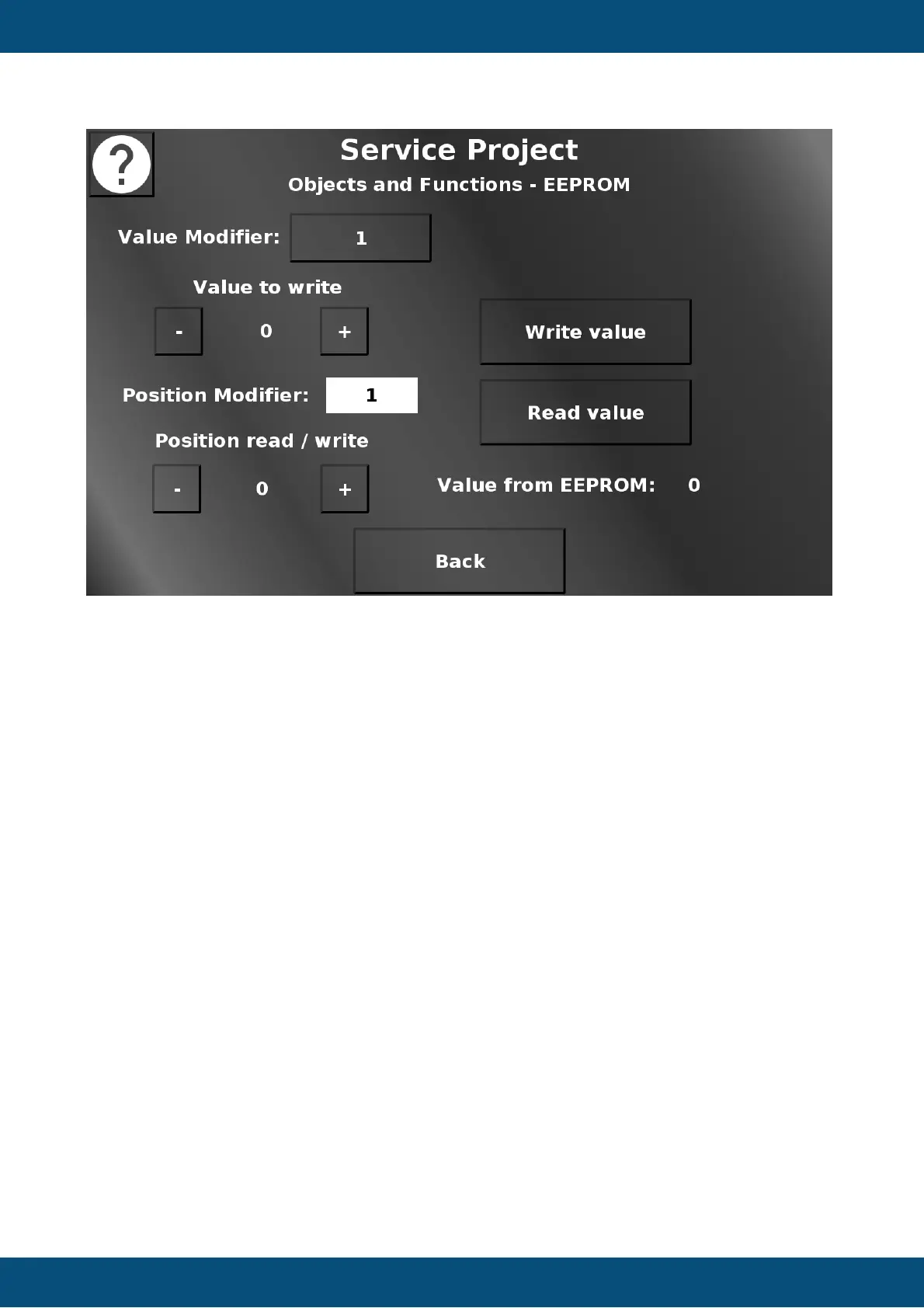
In this screen the EEPROM can be tested by writing to it and reading from it. The value that
should be written into an EEPROM position can be set between 0 and 255 with the + and -
buttons. They will increment and decrement either by 1 or 10, depending on the value modifier
setting. Write value will write the currently set value to the currently set position. The position
can be set between 0 and the maximum for the device with the + and - buttons. They will
increment and decrement by the value chosen in the position modifier drop down. Read value
will read the value from the currently set position and display it. Back returns to the Objects
and Functions menu.
Please note that EEPROMs have limited write cycles, so avoid writing into the same position
too many times without reason to do so.
Service Project -> Objects and Functions -> Variable Logging


 To Next Page
 Loading...