699
OPUS Projektor Manual
Miscellaneous
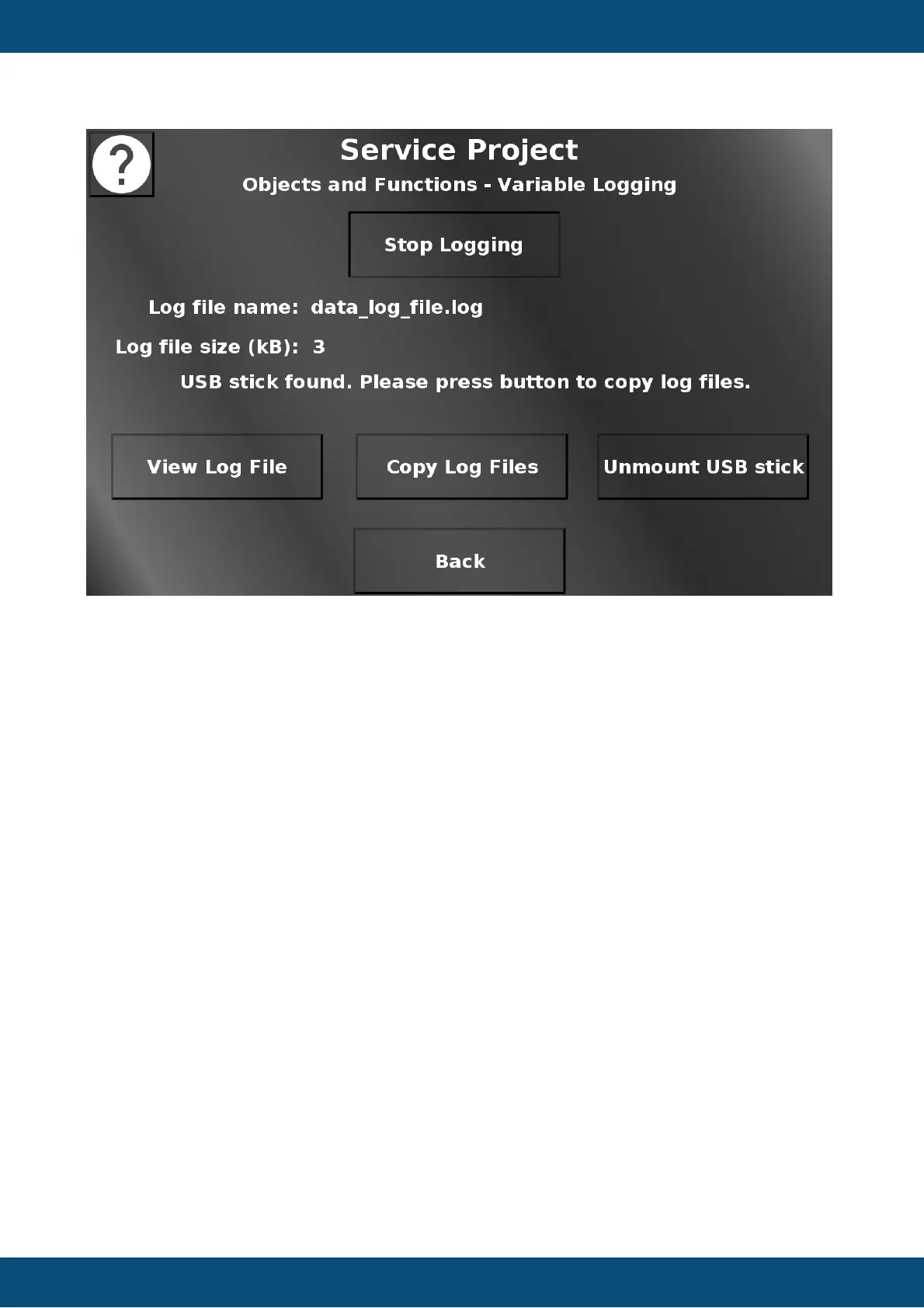
In this screen the variable logging functionality can be tested. Press Start Logging to start the
variable logging. The logged variable is the RTC seconds variable, so there will be one event
each second. The file can be viewed by pressing View Log File. This opens up an alarm
showing the content of the file. Close the alarm by pressing Close. The Log File(s) can be
copied to a connected USB stick by pressing Copy Log Files. Press Unmount USB stick to
unmount the USB stick. Back returns to the Objects and Functions menu.
Service Project -> Objects and Functions -> Multi Language


 To Next Page
 Loading...