701
OPUS Projektor Manual
Miscellaneous
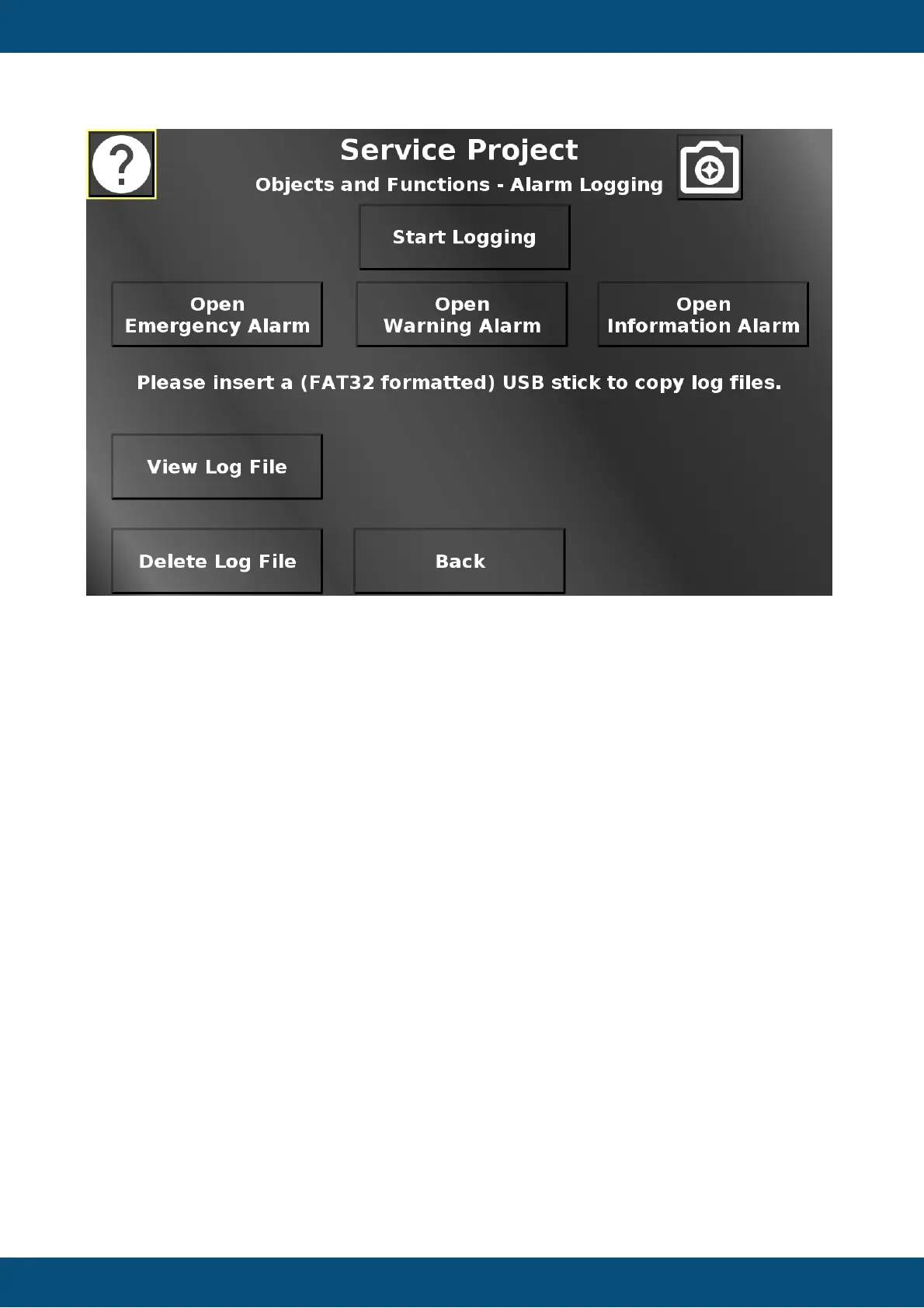
In this screen alarms and alarm logging can be tested. To enable alarm logging, press the
Start Logging button. To stop it, press it again. The three Open ... Alarm buttons open an
alarm from one of the categories Emergency, Warning or Information(al). From the opened
alarm pop up, the alarms of the other two categories can be opened as well, to demonstrate
the enqueuement and priority of the different alarm categories. View Log File opens an alarm
that shows the newest entries in the alarm log file. Press Delete Log File to delete the current
log file. If a USB stick is inserted, the alarm log file can be copied to the USB stick. The USB
stick can also be unmounted.
Back returns to the Objects and Functions menu.
Service Project -> Objects and Functions -> Object Events


 To Next Page
 Loading...