718
OPUS Projektor Manual
Miscellaneous
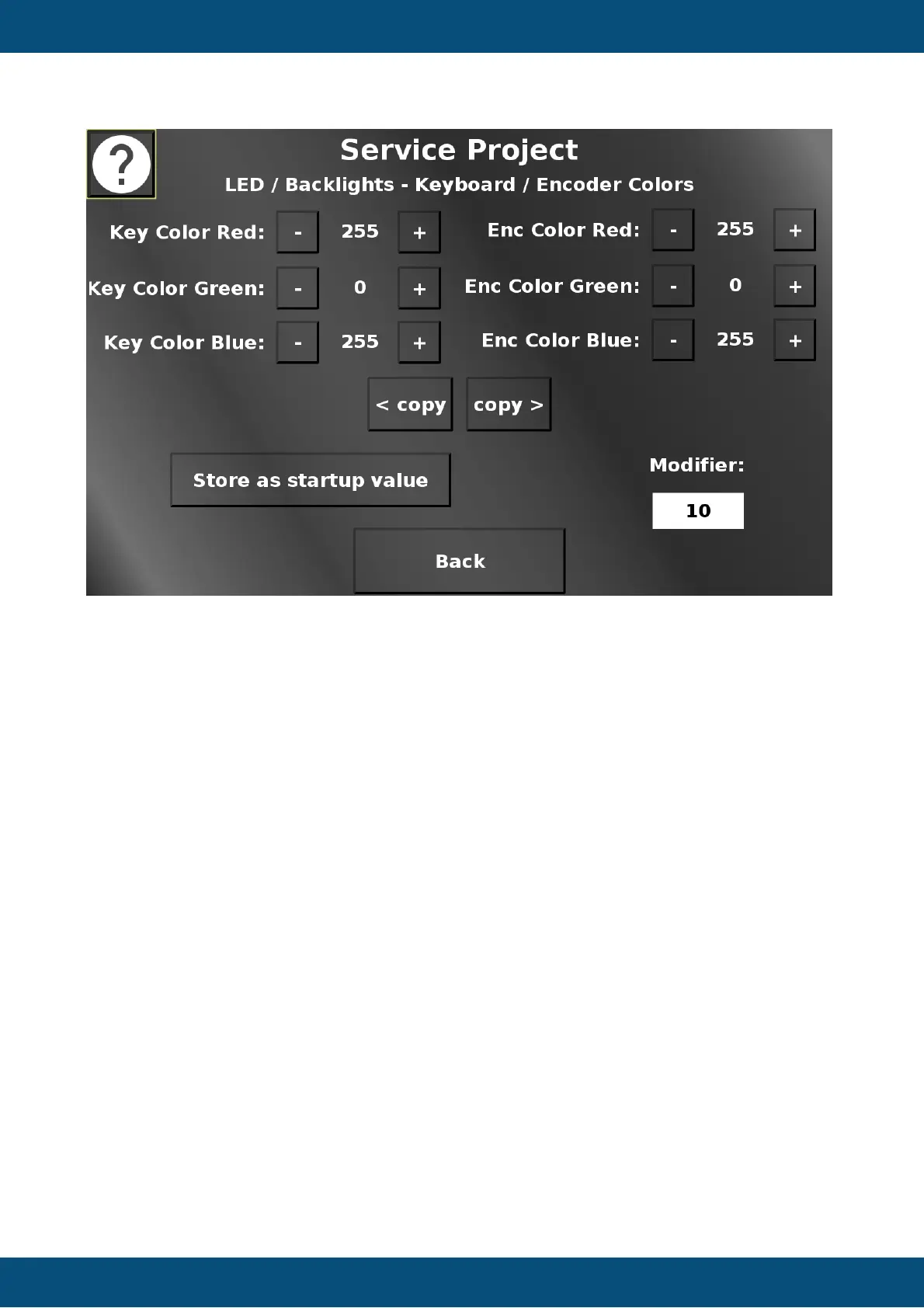
In this screen the colors for the key backlight and the encoder backlight can be adjusted (only
available on certain devices).
The - (minus) and + (plus) buttons change the according value. The amount that the current
value is modified by, can be chosen with the Modifer dropdown.
Store as startup value will set the backlight color that keys and encoder will have at startup
until the application setting sets in.
The copy > and < buttons will duplicate the key color values to the encoder values and vice
versa.
Back returns to the LED / Backlight menu.
Service Project -> Inputs / Outputs



 To Next Page