721
OPUS Projektor Manual
Miscellaneous
In this screen different camera screens can be chosen. Please note that only the available
screens should be opened.
With the RTP button the Ethernet Camera input for the multi camera pages can be switched
between RTP and RTSP.
Back returns to the main menu.
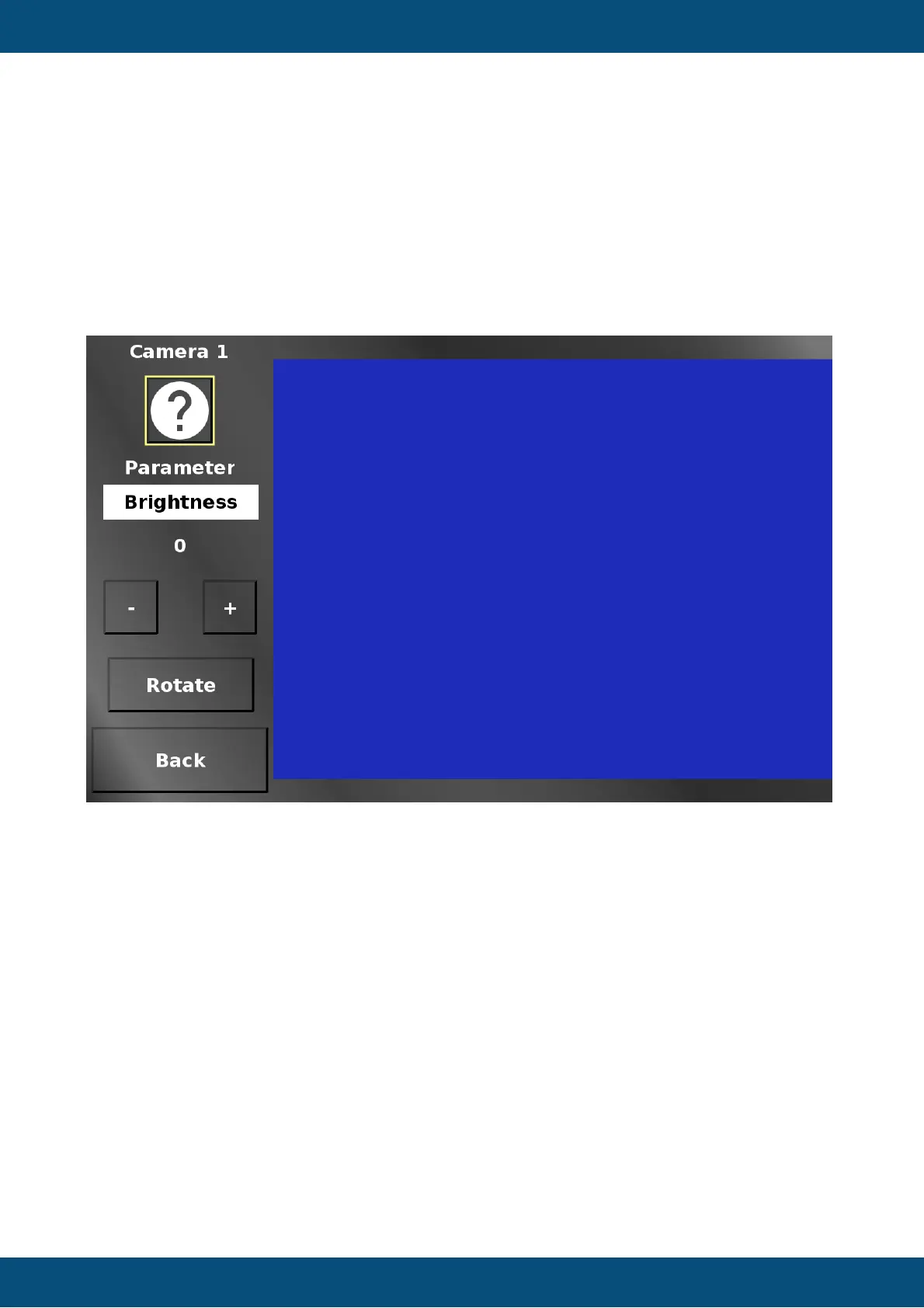
Service Project -> Cameras -> Single Camera Pages
The parameter drop down in the single camera view screens chooses between the available
camera image manipulations (brightness, contrast, saturation, height, width, rotation, mirror,
x-position, y-position).
The - (minus) and + (plus) buttons change the according value.
Rotate rotates the image in steps of 90 degrees. This will set a combination of rotation and
mirror values.
Back returns to the camera main menu.
Service Project -> Cameras -> Ethernet RTP Camera



 To Next Page