722
OPUS Projektor Manual
Miscellaneous
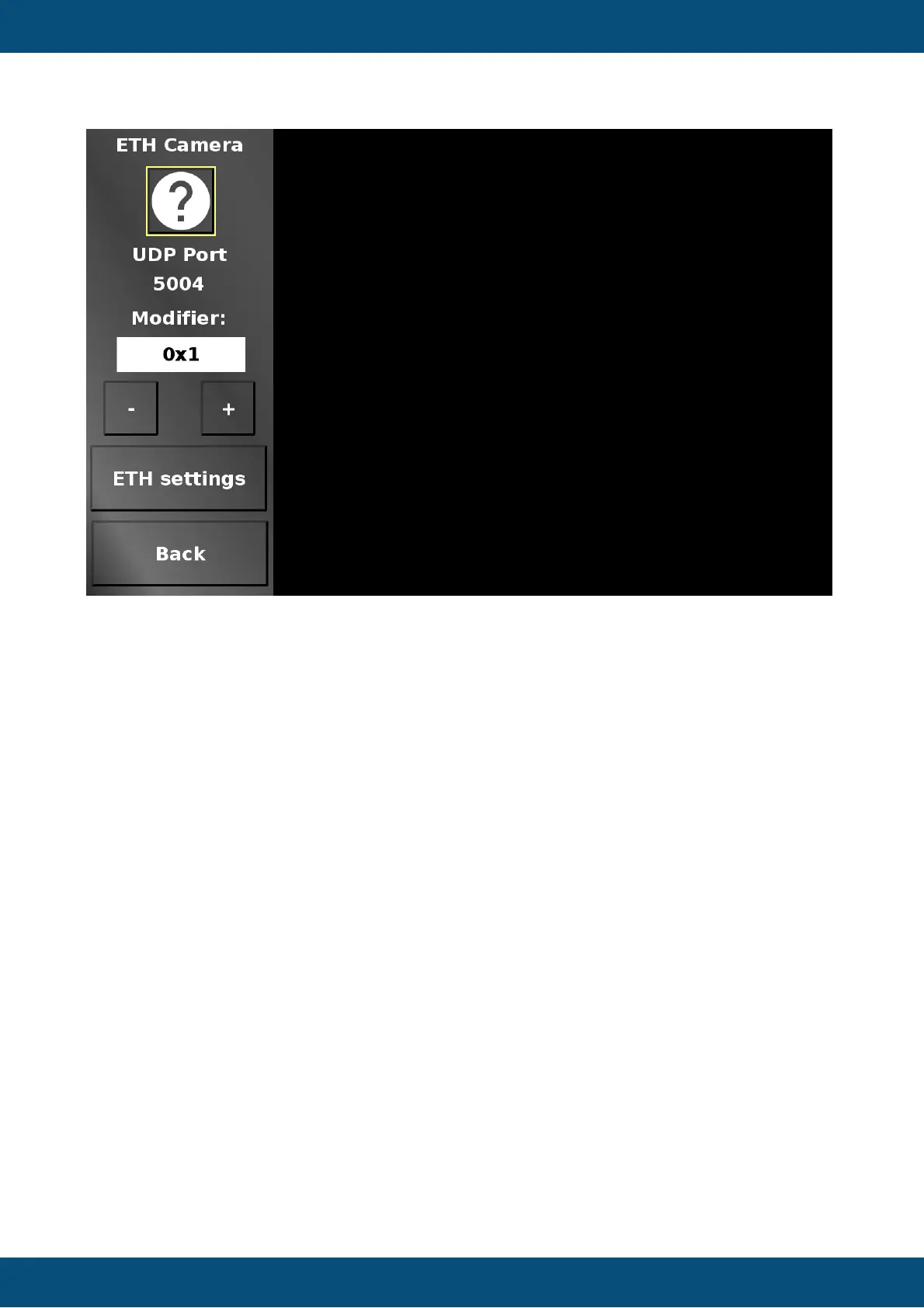
In this screen an Ethernet camera stream can be viewed. Note that only RTP over UDP is
supported in this screen.
The UDP port can be set with the - (minus) and + (plus) buttons. The Modifier dropdown
chooses the modify value.
ETH settings jumps to the Ethernet settings to set an IP address.
Back returns to the camera main menu.
Service Project -> Cameras -> Ethernet RTSP Camera



 To Next Page