723
OPUS Projektor Manual
Miscellaneous
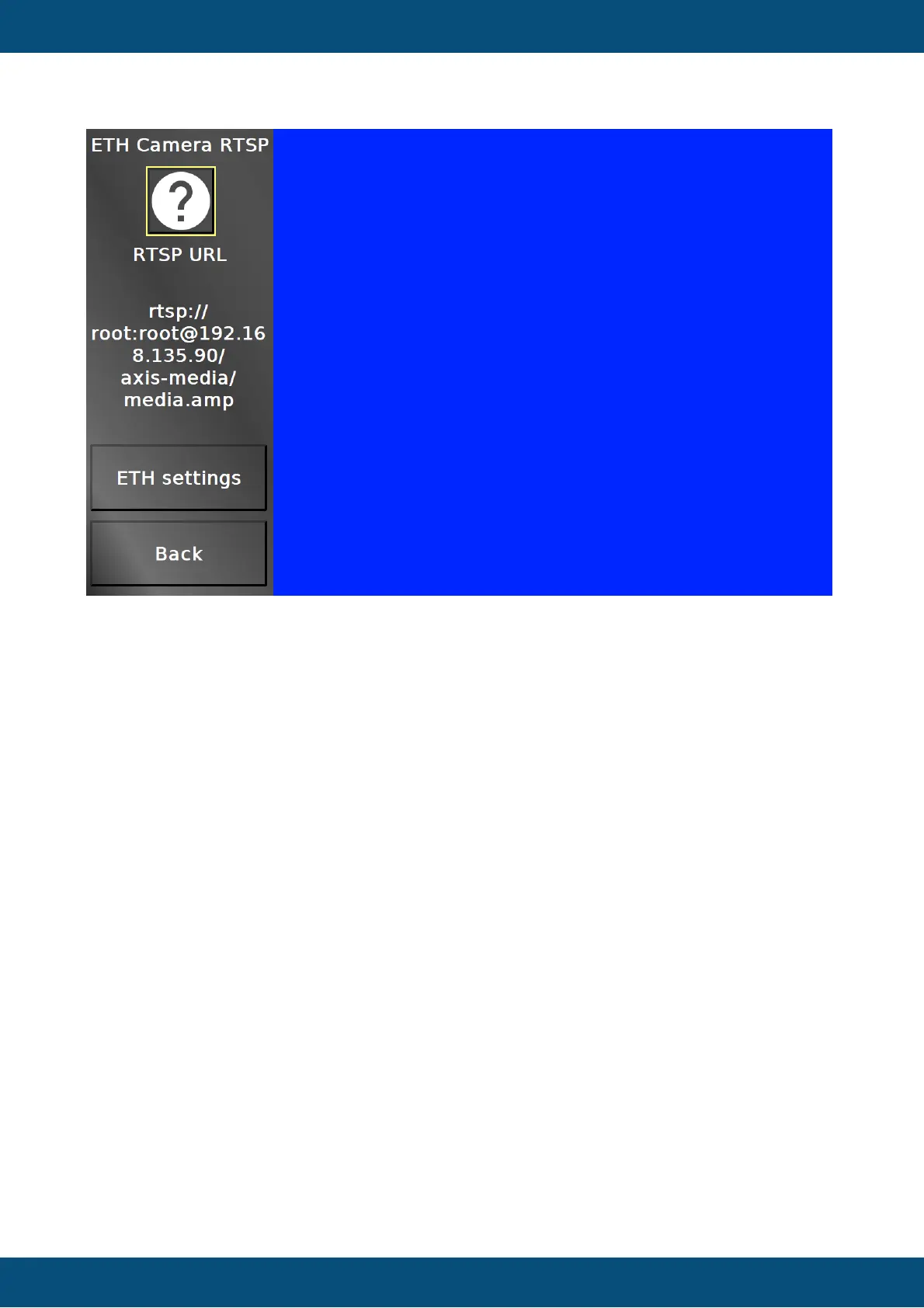
In this screen an Ethernet camera stream can be viewed. Note that only RTSP over UDP is
supported in this screen.
The RTSP address can be set by selecting the String Field.
ETH settings jumps to the Ethernet settings to set an IP address.
Back returns to the camera main menu.
The other pages in the camera menu can show different multi camera settings. Note that not
all combinations work with all device types. The combinations that are not possible, should be
shown grayed out.
Service Project -> Clock



 To Next Page