727
OPUS Projektor Manual
Miscellaneous
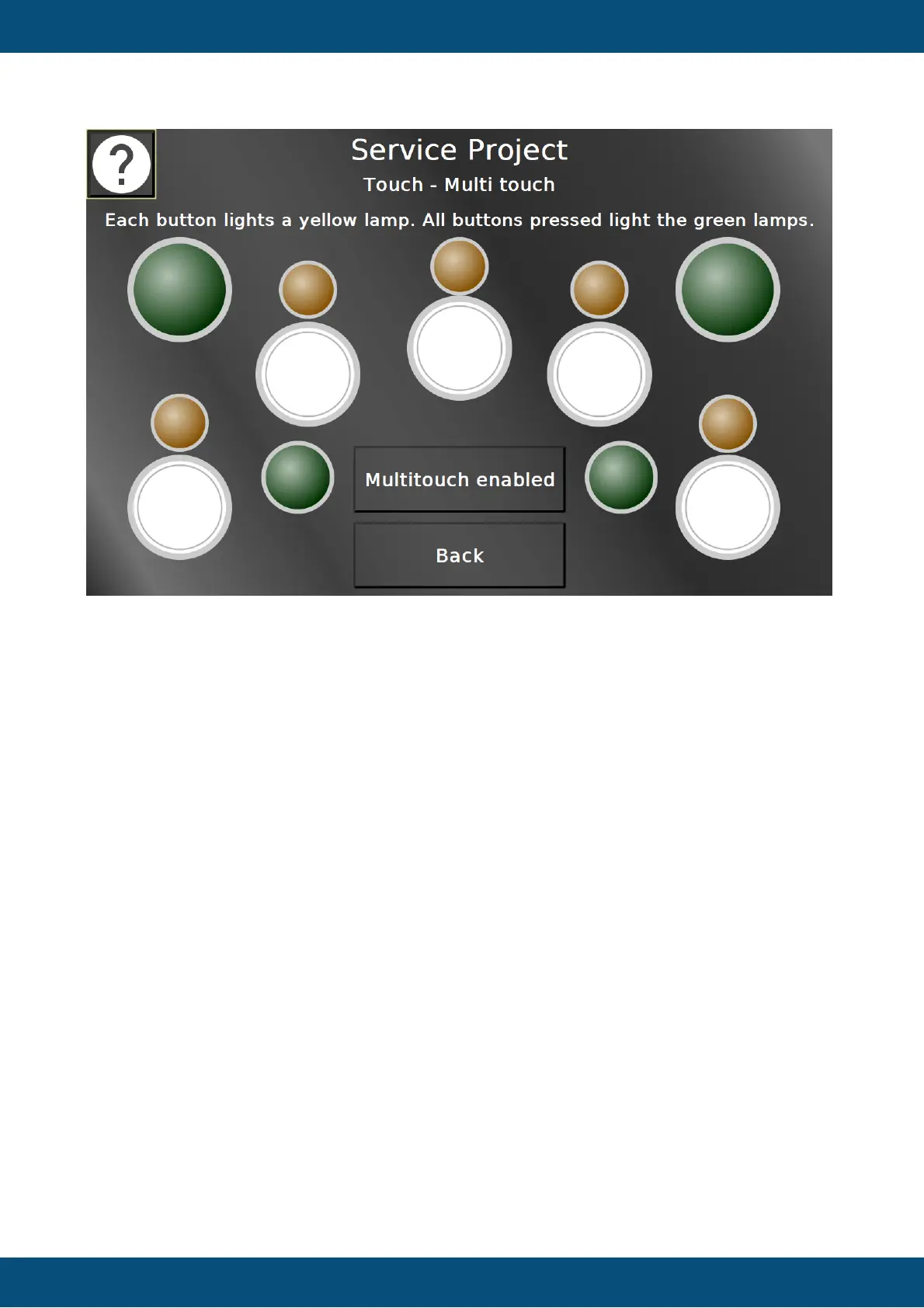
In this page the multi touch functionality can be tested. Depending on the capabilities of the
hardware, 2 or 5 buttons, each with a lamp, will be displayed.
Each button lights up the according lamp. If all buttons are pressed at the same time, the
green lamp lights up.
With the multi touch button the multi touch functionality can be disabled. After that the touch
screen should only react upon the first finger press.
Please note that the multi touch functionality is not available on OPUS A3 and OPUS A6 G1.
Back returns to the main menu.
Service Project -> Audio / Video



 To Next Page