739
OPUS Projektor Manual
Miscellaneous
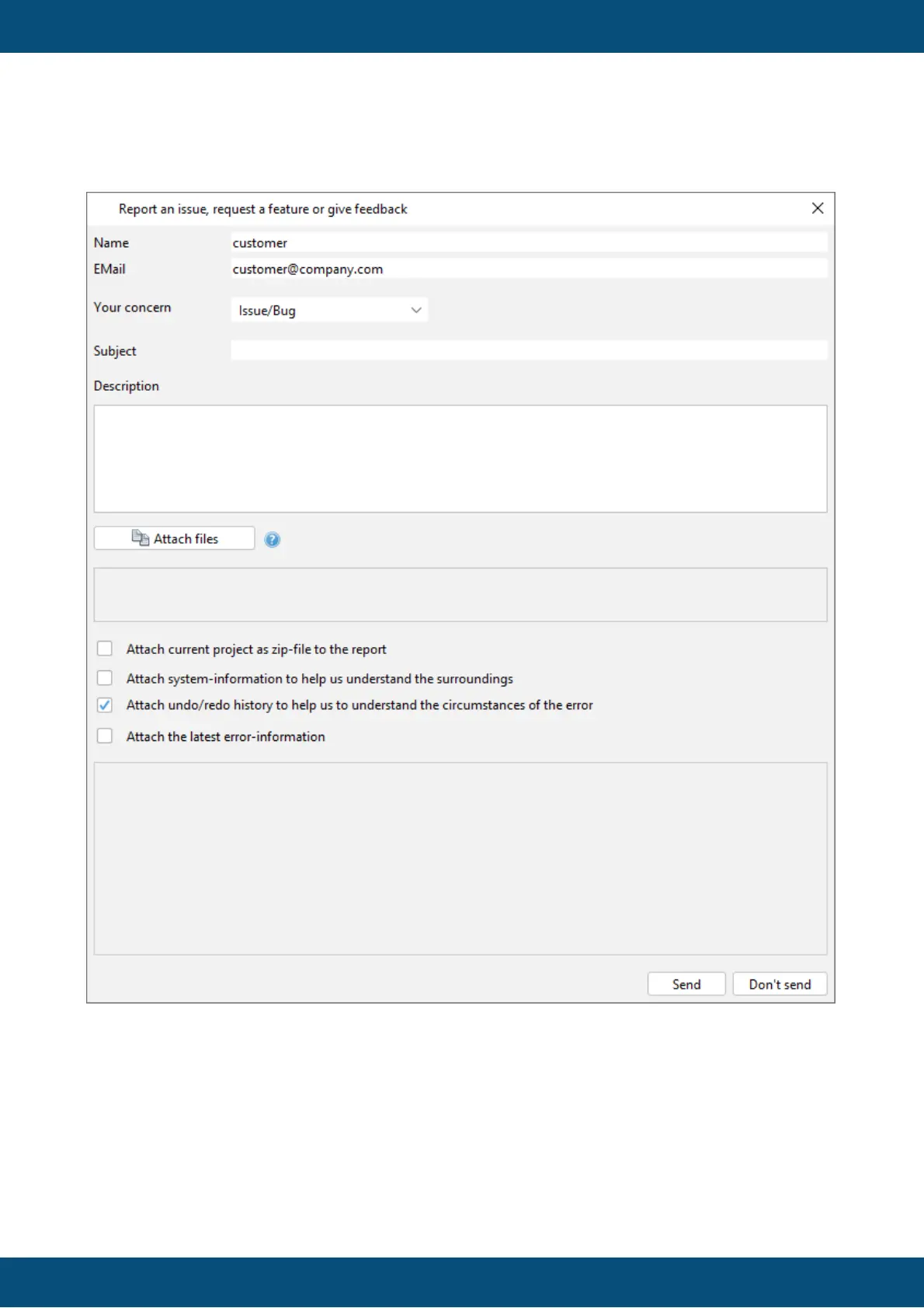
The Report Issue / Bug dialog can be opened through the menu Help -> Report an issue or
give feedback.
Choose Issue/Bug in the Your concern drop down list to send an issue / bug report.
The dialog for Issue/Bug is similar to the crash report, with the following differences:
Undo/redo history is not available.
Name, Email, Subject - These fields are necessary fields now because the probability that
we will want to discuss your report with you are much higher.



 To Next Page