740
OPUS Projektor Manual
Miscellaneous
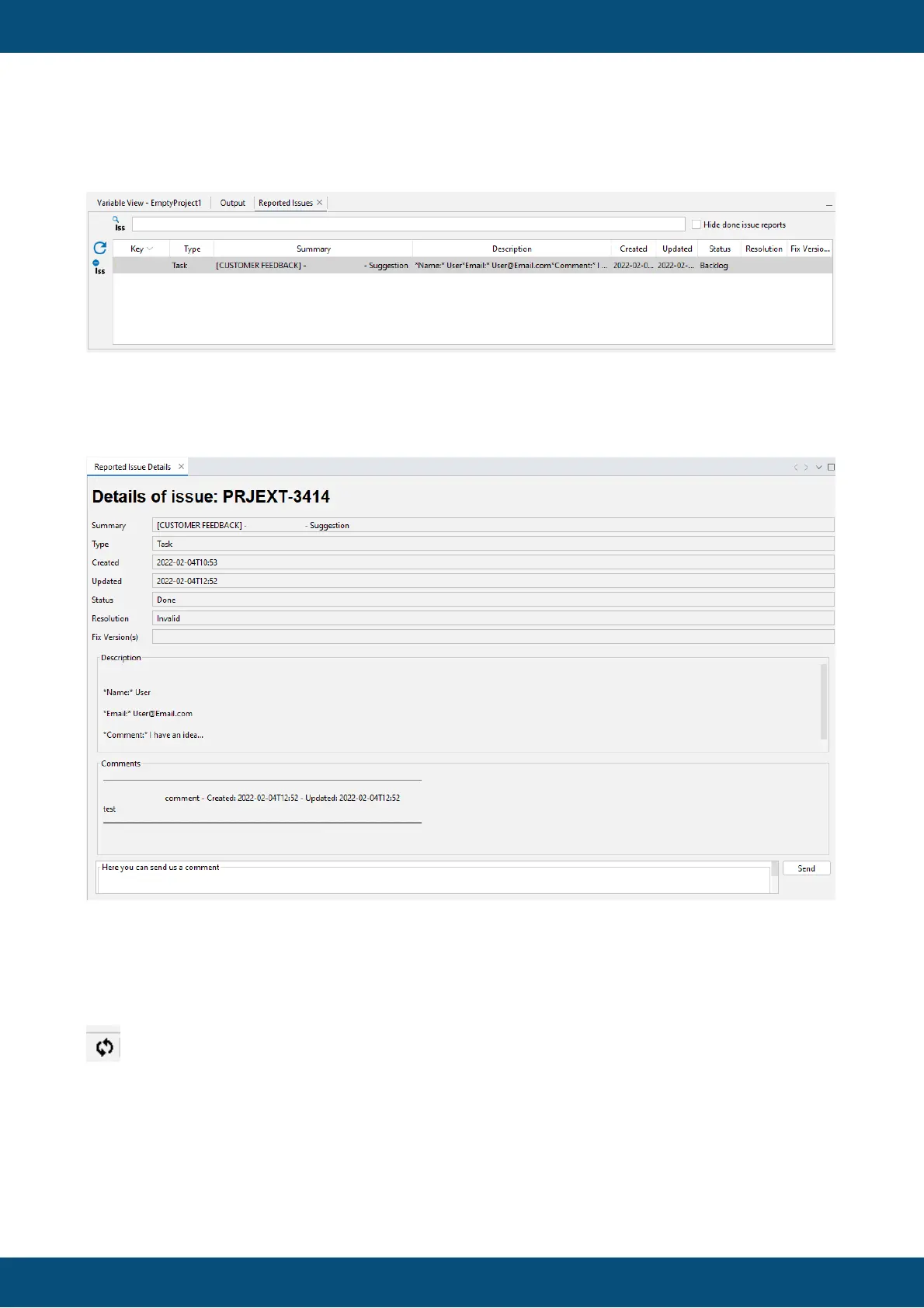
Reported Issues View
In this view all crash reports and feedbacks from this installment of the program are listed. The
list can be sorted by either of the columns.
A double click opens the Reported Issue Details Window.
In this window the details about the issue can be viewed, including the current status and all
comments, both by the user and by us.
A new comment can be added in this window.
If anything has changed in one of the issues, this symbol will be displayed in the lower right:
When the user clicks on the symbol, a bubble with information about the update is displayed.
The blue underlined text can be clicked and opens the Reported Issue Detail window with this
issue and the new information.



 To Next Page