747
OPUS Projektor Manual
How To
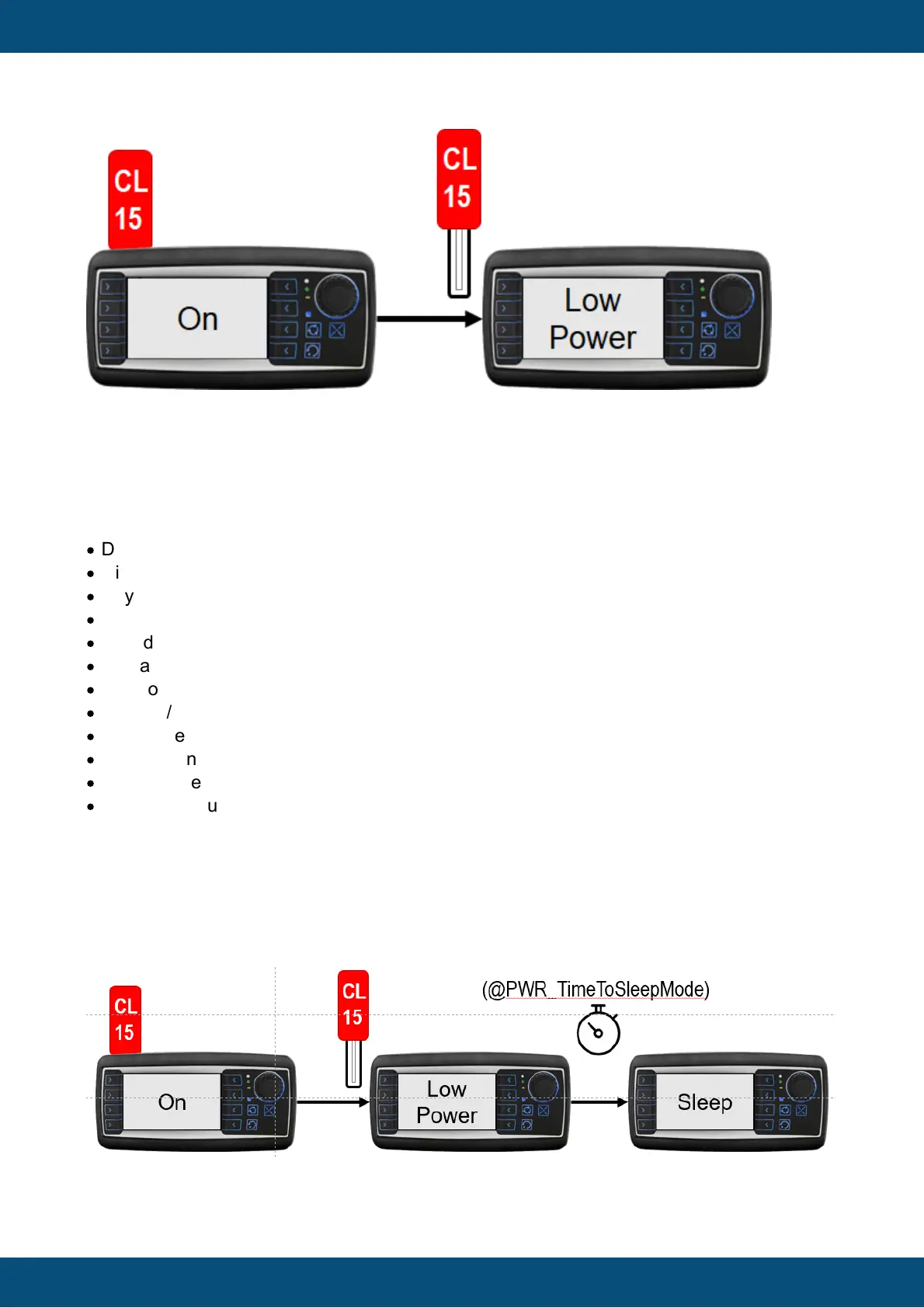
In Low Power mode the device is basically functional, all scripts, CAN messages etc. are still
running.
Some elements of the devices can be turned off to save power and / or give the user the
illusion that the device is already off:
·
Display function (@PWR_LowPowerDisplayState)
·
Display backlight (@PWR_LowPowerDisplayBacklightState)
·
Key backlight (@PWR_LowPowerKeypadBacklightState)
·
Key function (@PWR_LowPowerKeypadState)
·
Encoder function (@PWR_LowPowerEncoderState)
·
Digital outputs (@PWR_LowPowerOutputXState)
·
Multicolor LED (@PWR_LowPower_RGB_LED_State)
·
Beeper / Speaker (@PWR_LowPowerBeeperState)
·
Touchscreen (@PWR_LowPowerTouchState)
·
System console (@PWR_LowPowerConsoleState)
·
Video processing (@PWR_LowPowerVideoState)
·
Camera output voltage (@PWR_LowPowerCamOutputState)
By default, all but the console are turned off.
After a time that can be set with @PWR_TimeToSleepMode (anywhere from 0 to 2332800
seconds (27 days), time will be rounded up to multiples of 60s for EGScore devices) the
device goes into Sleep mode.
In Sleep mode the device is basically not running anymore, no CAN, no scripts, nothing.



 To Next Page