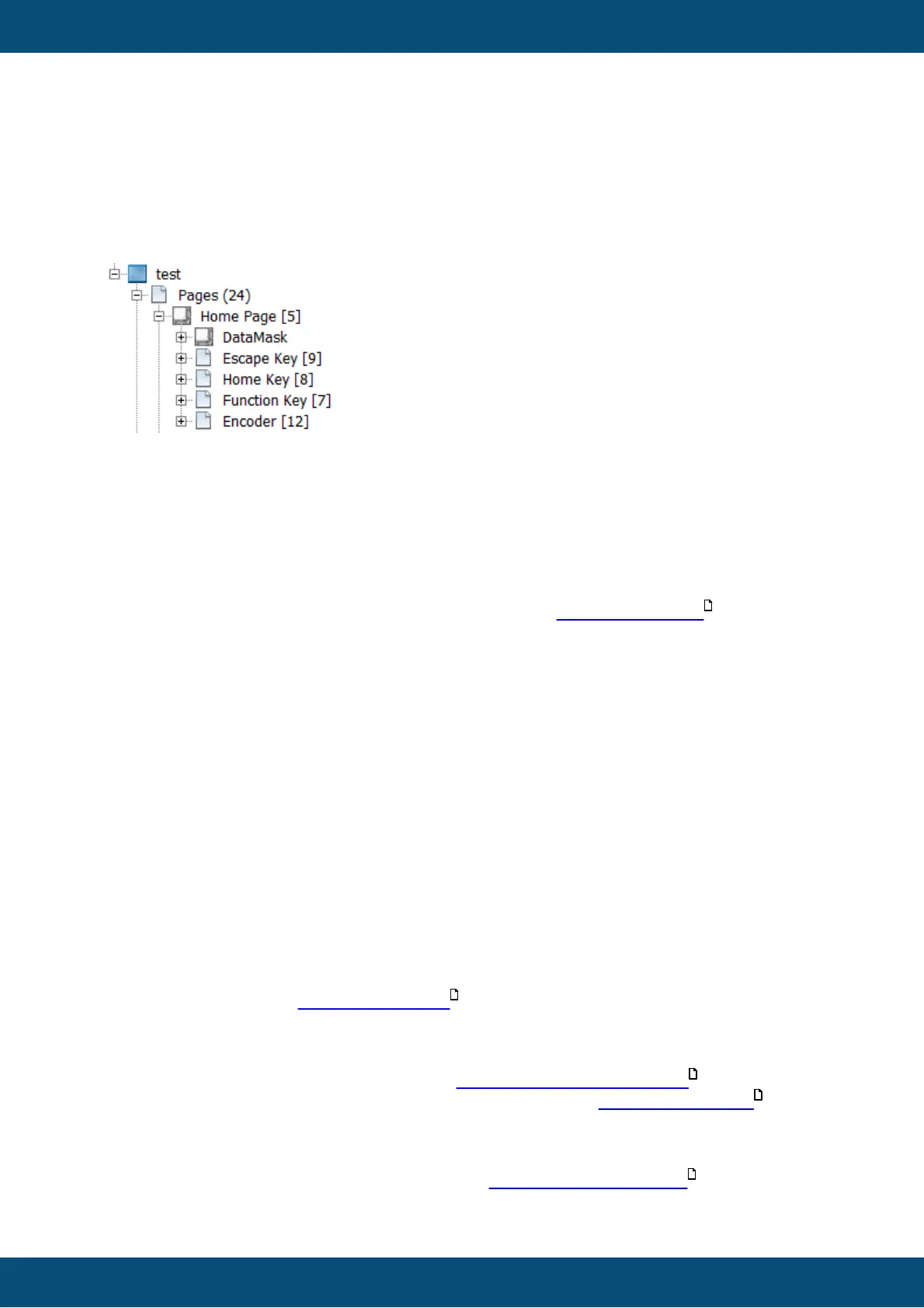
Encoder: The encoder is automatically used for selection and editing when you set the "Set
as Input" property for objects. Additionally, you can use encoder events directly by
configuring the events of the encoder. You can do this for every page.
Function Key (three arrow key): You can use the events of that key for every page. When
using ISO-VT, this key is fixed to switch between the ISO-VT pool(s) and PClient project.
Escape Key: This key has a fixed function to go back one page in the project.
Home Key: This key has a fixed function to go back to the home page in the project.
Power Key: This key can be configured in general in the Project Properties .
Alternatively, specific settings can be made on each page.
Please note that if ANY event is configured for a specific page, NO action from the project
properties will be executed while on that page, i.e. if you want a specific action OnPress
but the general action OnRelease, you need to put that action into the page event
configuration for the Power Key, as well.
Please note that not all keys are available on all devices. Please refer to the corresponding
device manual.
The currently shown page can be changed with JavaScript by changing the value of the
variable @ProjektCurrentPage. The variable needs to be set to the ID of the page. The ID
can be seen in the project tree behind the page name.
For multimedia playback questions see the FAQ of the MultimediaPlayer .
For a description of event and alarm sound configuration see Events and Actions .



 To Next Page