79
OPUS Projektor Manual
User Interface
Note that not all image settings are available on all devices.
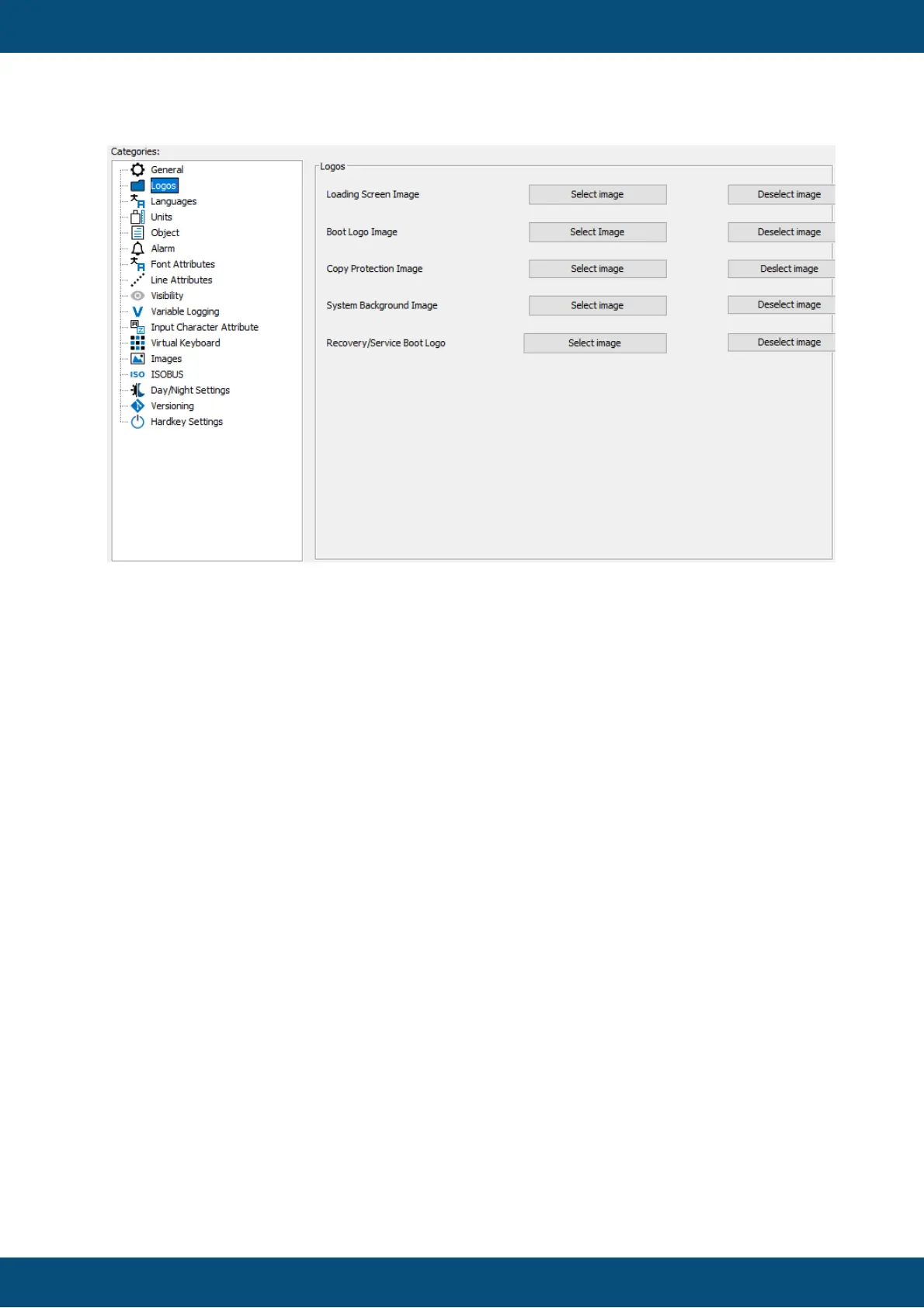
Loading Screen Image
The loading screen image is an image that will be displayed while the project is being
loaded on the terminal. Showing a progress bar is possible.
The loading screen image should have the same resolution as the target device display
and must be an image in PNG file format.
When selecting an image, the image will be renamed to 'loading_screen.png' and
placed in the terminal_files/additional_files directory in the project folder.
How to Show a Progress Bar
To create a progress bar you only need to make parts of the loading screen
transparent. the progress bar will become visible automatically. The only constraint is
that the progress bar runs from the left to right of the display. It starts at 10% of the
display resolution and ends at 90% of the display resolution. Example:
If your screen resolution is 480x272, the progress bar starts at
X = 48 = 480 * 0.1
and ends at
X = 432 = 480 * 0.9
You are free to define any height and vertical position of the progress bar on the
screen.



 To Next Page