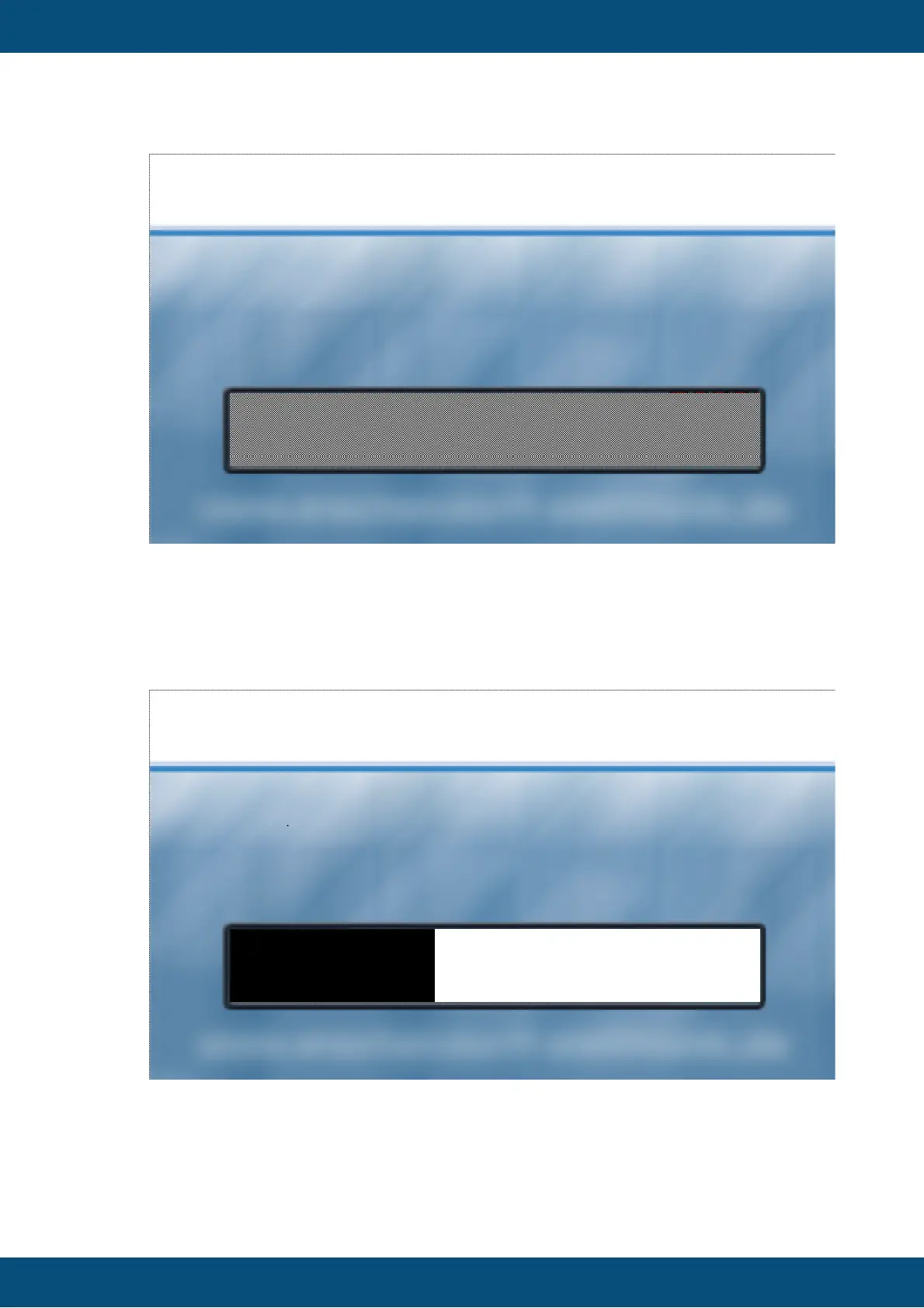
The image above shows an example loading screen image. The shaded area is
transparent in the image and will be filled with a loading bar when the project
loads. It provides a positive feedback for the end user that something is happening.
The progress bar will be drawn in black, filling a white area. So the colors of the
loading screen image should be chosen accordingly.
The following image shows the progress bar using the above loading screen image.
Here is another example:



 To Next Page