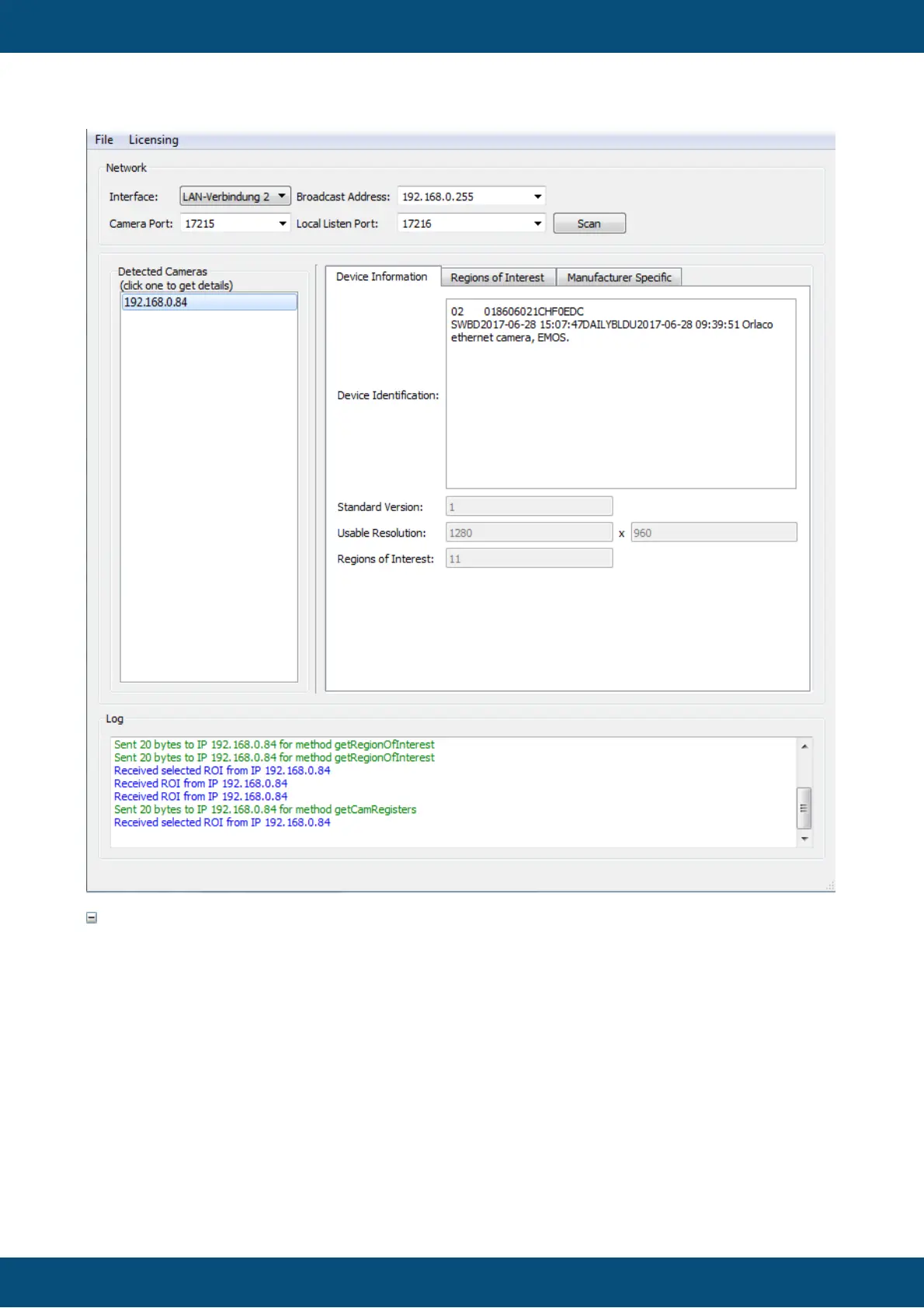
On start up, the tool automatically scans the available ethernet interfaces of the PC and lists
them in the Interfaces drop down box. It only lists interfaces that are up and running (e.g.
are configured and a cable is connected).
Choose the interface to which the camera is connected.
The Broadcast Address field will automatically be filled with the matching IPv4 broadcast
address of the chosen interface but can be changed manually if needed. Note that the
network address of the interface has to be configured so it matches the network of the
camera (e.g. if the camera has the address 192.168.135.16, the interface on the PC
should also have an address in the 192.168.135.X network (where X needs to be an
unused number, typically 1)).



 To Next Page