84
OPUS Projektor Manual
User Interface
Border Properties (4)
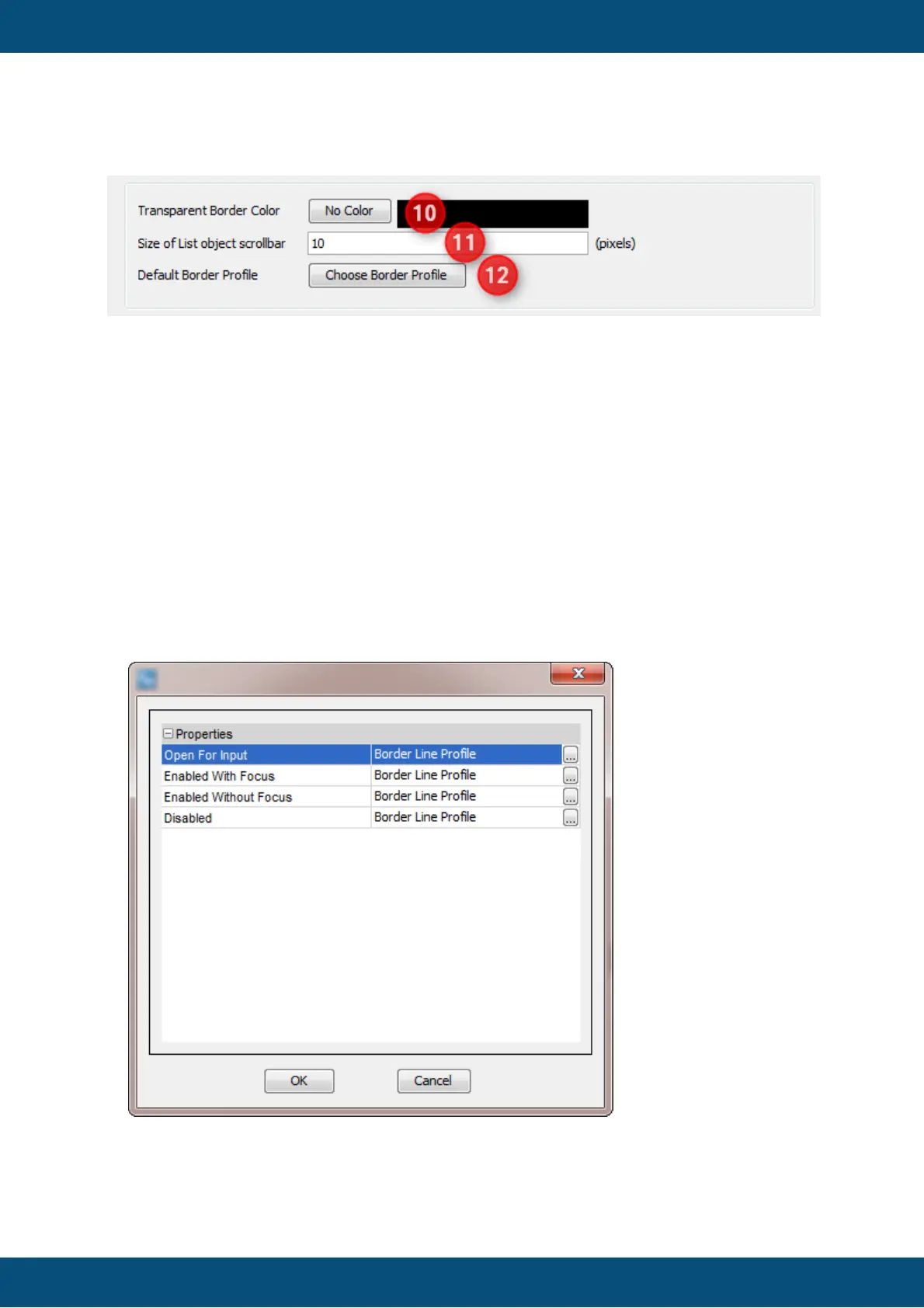
Transparent Border Color (10)
Allows changing the transparent border color. The color which is selected here will not
be drawn on the screen, it will be drawn transparent.
It's also possible to disable transparent border color by clicking No Color button. Note:
To get rid of the blue border around all objects that are created on the screen, set this
property to blue (0,0,255).
Size of List Object Scrollbar (11)
When a list object contains more elements than can be displayed at once, a scrollbar
appears. This property defines the scrollbar width.
Default Border Profile (12)
This property allows changing the border color profile. By clicking the button, the
following window appears:
The following values can be configured:



 To Next Page