You can use the preview to see how the selected font looks with the selected font
attribute. The background will change color between black and white depending on the
brightness of the set font color so it is always visible.
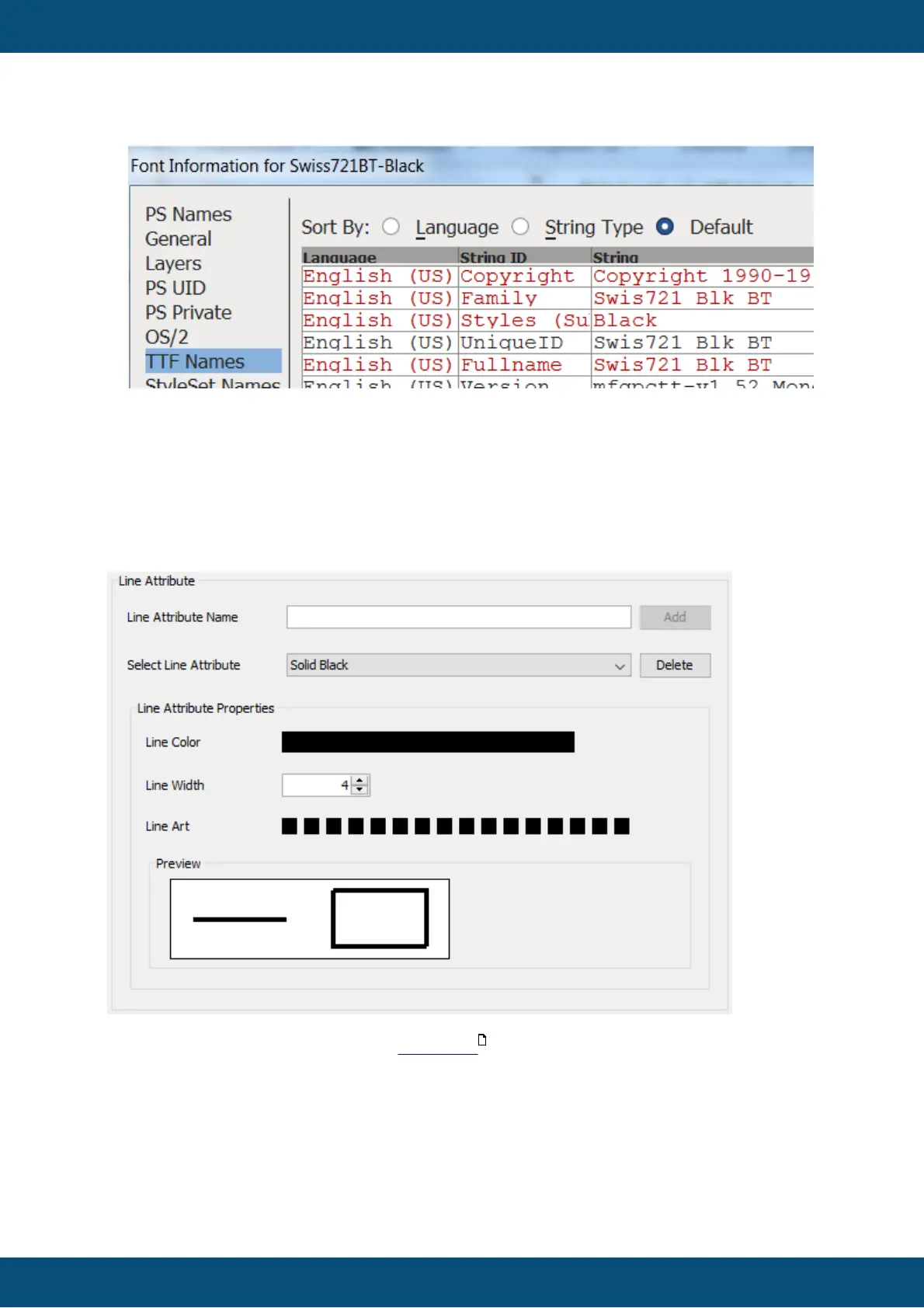
In this category line attributes for the 2D Graph can be created and modified.
To create a new line attribute, enter a name in the Line Attribute Name field and press Add.
A line attribute consists of:
- a color - click on the color bar and select a color
- a width - enter a width or change the value with the up/down buttons. Line widths between
1 and 255 pixels are allowed.
- a "Line Art", i.e. a dash pattern - click on the squares to change the dash pattern
There is a preview field showing the result of the settings made.



 To Next Page