Editing Excel File 3-10
Chapter 3: Speed Editor
SBX IP - PC Admin Guide
Editing Excel File
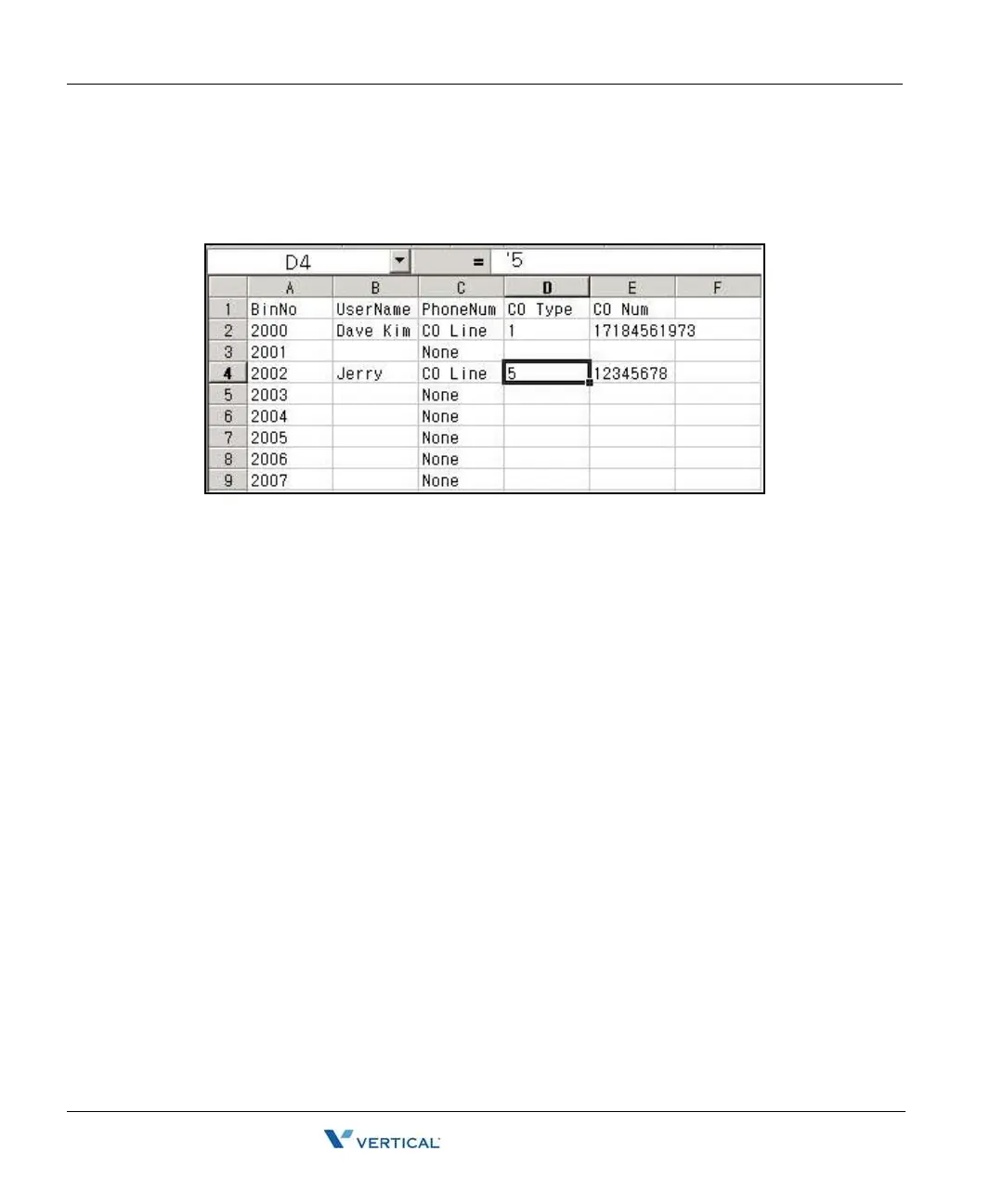
1. Open the file you want to edit using Excel. The file format looks similar to the
following.
2. Click a cell to edit.
3. Type in data. Type ' before every data entry, for example '5, not just 5. When you write
CO Line Type, write CO Line, CO Group and None, keeping an empty space between
CO and Line, between CO and Group.
When you edit with Microsoft Excel, you must add " ' " to make data as text type.
Otherwise, Speed Editor cannot convert your data from an Excel file to edit window.
- Do not exceed 16 characters when entering the Speed Name.
- Do not exceed 24 characters when entering the Phone Number.
- Recommend editing in Speed Editor View.



 To Next Page