Station ID Assignment (PGM 110/111/112/113/114) 1-28
Chapter 1: SBX IP Online PC Admin
SBX IP - PC Admin Guide
Station Port
Block
ON/OFF OFF If this value is set to ON, the station is blocked and it is impossible to
use that station
Pre-selected
MSG DND
ON/OFF OFF
Park and Page ON/OFF OFF
Call Coverage ON/OFF OFF
DND to VM ON/OFF ON
Back Light ON/OFF OFF
ISDN Station Attributes (PGM114)
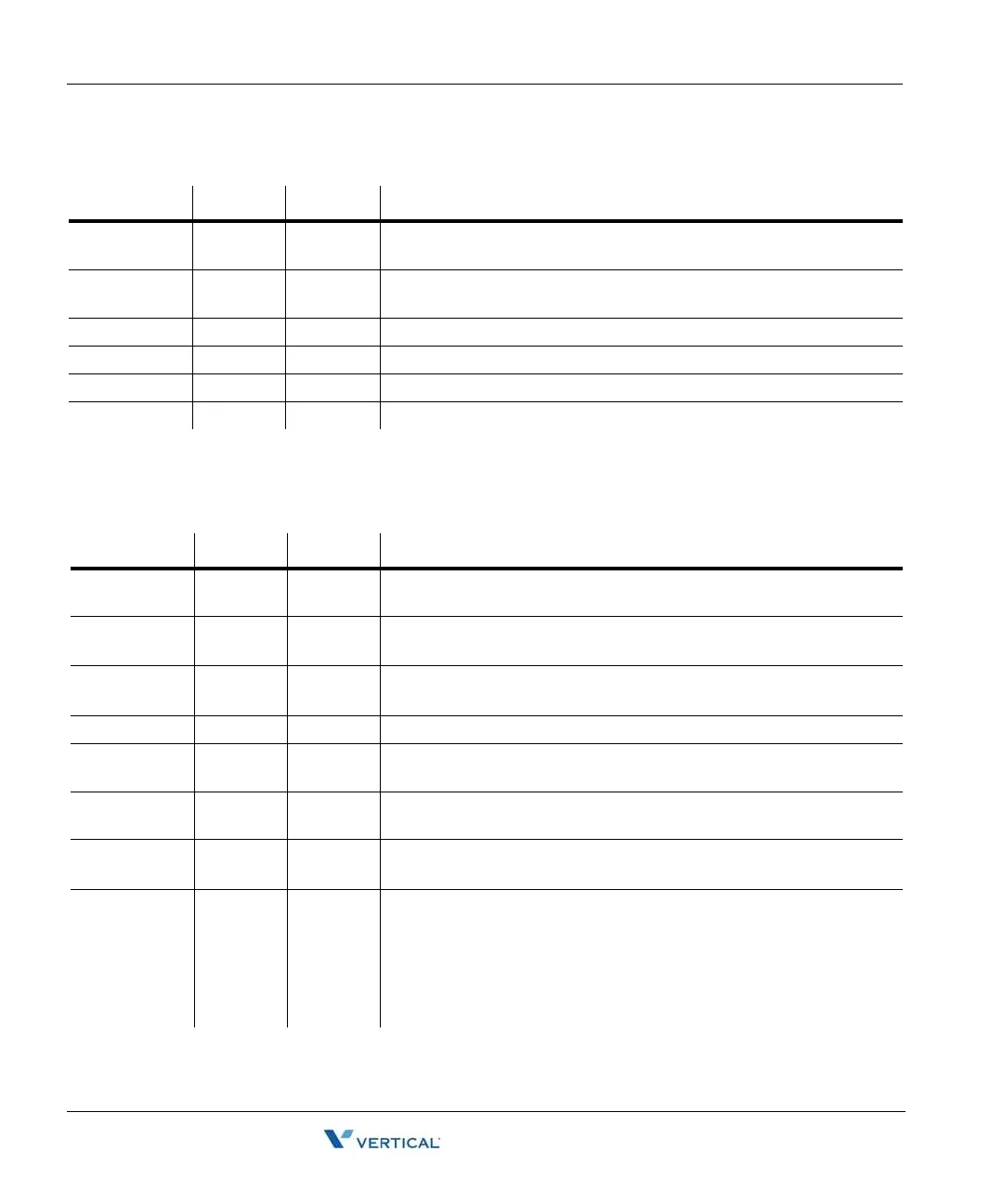
ITEM RANGE DEFAULT REMARK
CLIP LCD
Display
ON/OFF ON This field is determined whether a station displays CLIP
COLP LCD
Display
ON/OFF OFF This field is determined whether a station displays COLP
CLI / Redirect
Display
0-1 0 To Select Original CLI or Redirected CLI.
0: Original CLI, 1: Redirected CLI
CLI MSG Wait ON/OFF OFF An ON setting allows a station to receive CO message wait indications
Ext or CO ATD ATD/EXT EXT To Select EXT (extension number) or CO ATD to make outgoing CLI
or COLP information
Keypad
Facility
KEYPAD/
DTMF
DTMF This field determines whether an ISDN station sends digit in DTMF or
keypad facility after connected
LONG/
SHORT
LONG/
SHORT
SHORT This field determines whether an ISDN station acts in Short passive
mode or in the Long mode.
CPN Type 0-2 0 This field indicates how the CPN IE is filled in SETUP message.
0: Do not sent CPN (Called Party Number) to S0. In this case, all S0
STA of the S port will be ringing.
1: Send station number as CPN
2: Bypass the CPN from the network.
(In options 1 & 2, only one specific STA will be ringing)
Station Attributes III (PGM113)
ITEM RANGE DEFAULT REMARK



 To Next Page