4-12 Acquiring Data
Setting up an MS Scan
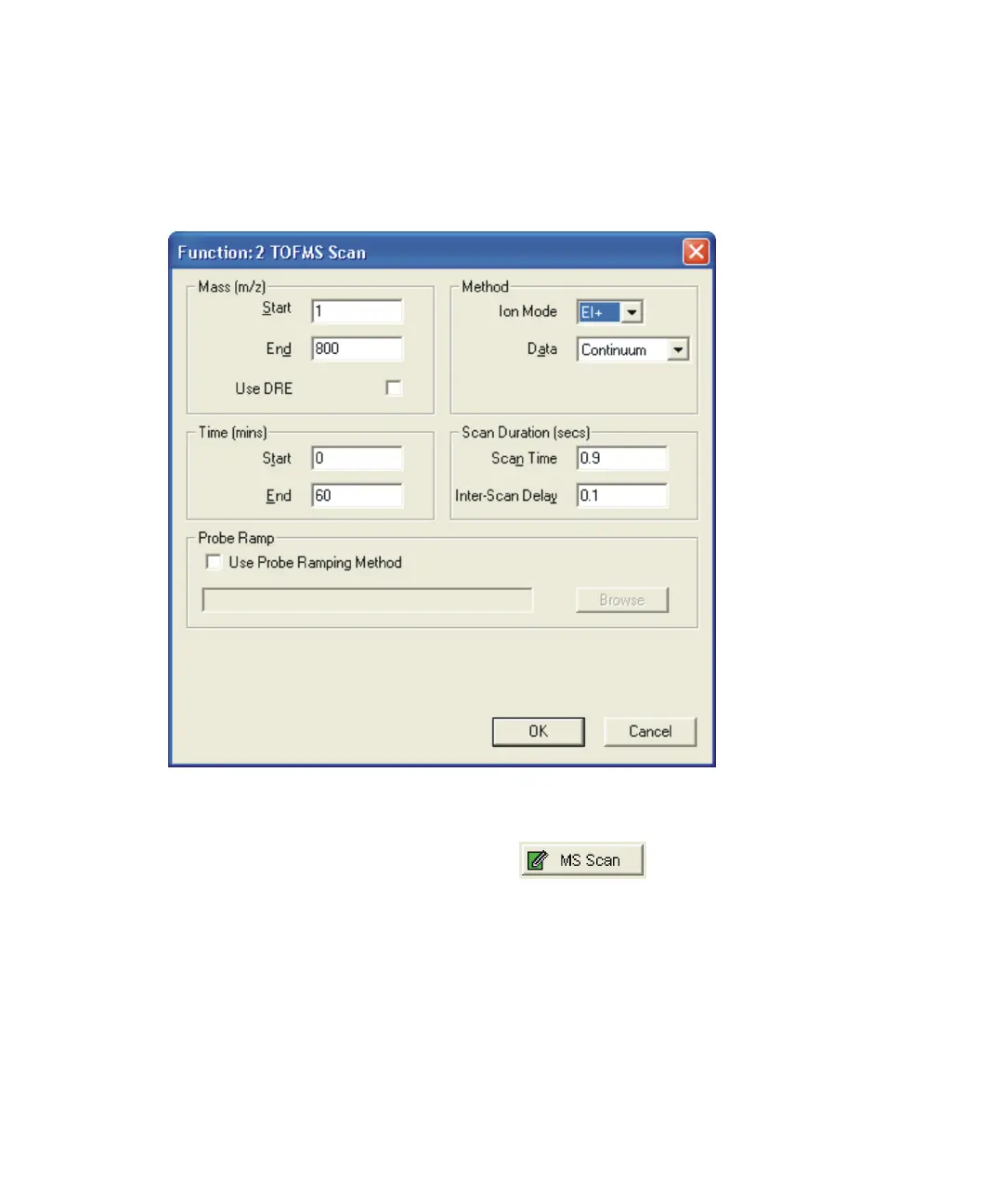
The TOF MS Scan Function Editor sets up centroid and continuum functions.
Full Scan Function Editor:
To set up a full scan function:
1. In the MS Method Editor, click .
Alternative: Click Functions > MS Scan.
2. In the Full Scan Function Editor, type the required parameters.
3. Click OK.











 To Next Page