8-8 The Direct Chemical Ionization (DCI) Probe
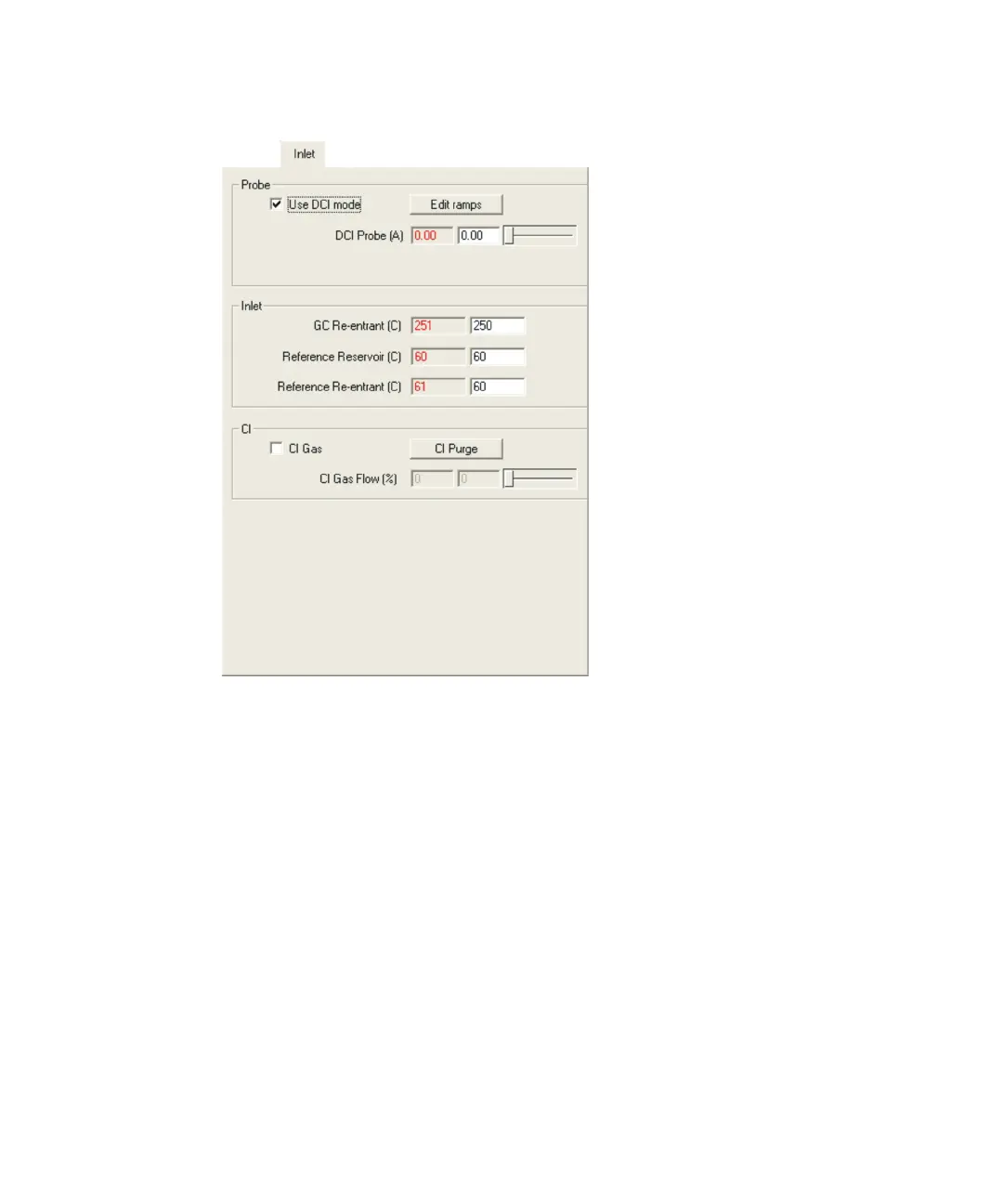
Tune window Inlet tab:
3. Press Enter.
Alternative: Use the slider control to select the required current.
Tip: For safety reasons, the current is set to 0 at the start of an
acquisition. Once the acquisition has started, you can manually ramp
the probe current using this control.
Ramping the probe current automatically
The DCI probe current is controlled using the Probe Control dialog box the
same way as the DI probe temperature is controlled.
See also: Ramping the probe temperature automatically on page 7-11.











 To Next Page