Tuning the instrument for EI 3-19
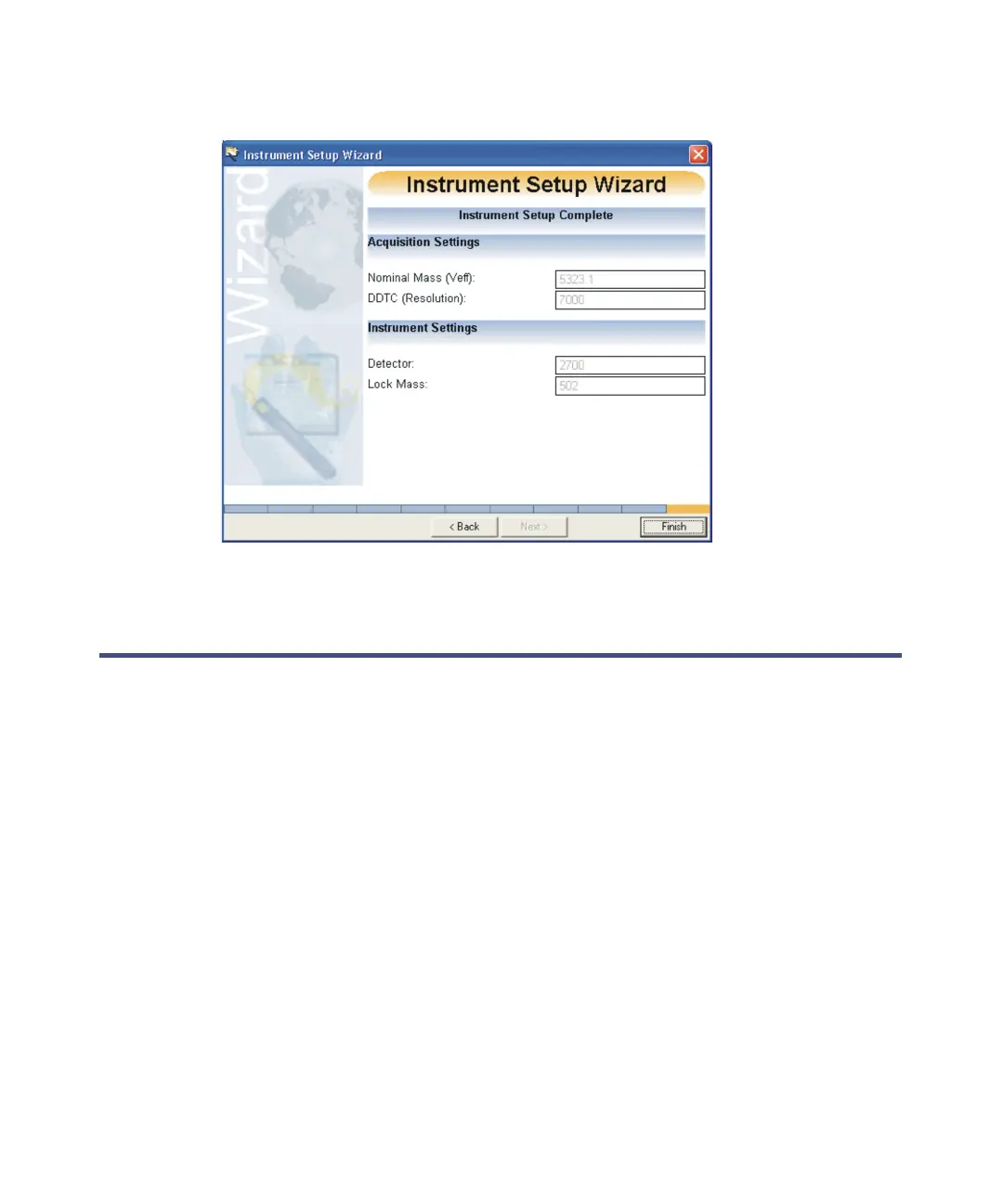
Instrument Setup Complete:
17. Click Finish
Tuning the instrument for EI
Use the following methods to introduce samples in EI mode: DI probe, the DCI
probe, the gas chromatograph, or the reference inlet system.
Tip: The example procedure in this chapter specifies tris (trifluoromethyl)
triazine as the infused sample. However, you can tune the instrument using a
different compound. Different parameter settings may be required from these
provided in this chapter.
To tune the instrument for EI operation:
1. In the MassLynx Tune window, click the EI Tune tab.
2. In the TDC Settings dialog box, set the Veff value to display the correct
mass in the peak display, unless it has been set already by the
Instrument Setup wizard.
See also: Manually setting the Veff correctly on page B-47.











 To Next Page