Using the Calibration wizard 5-9
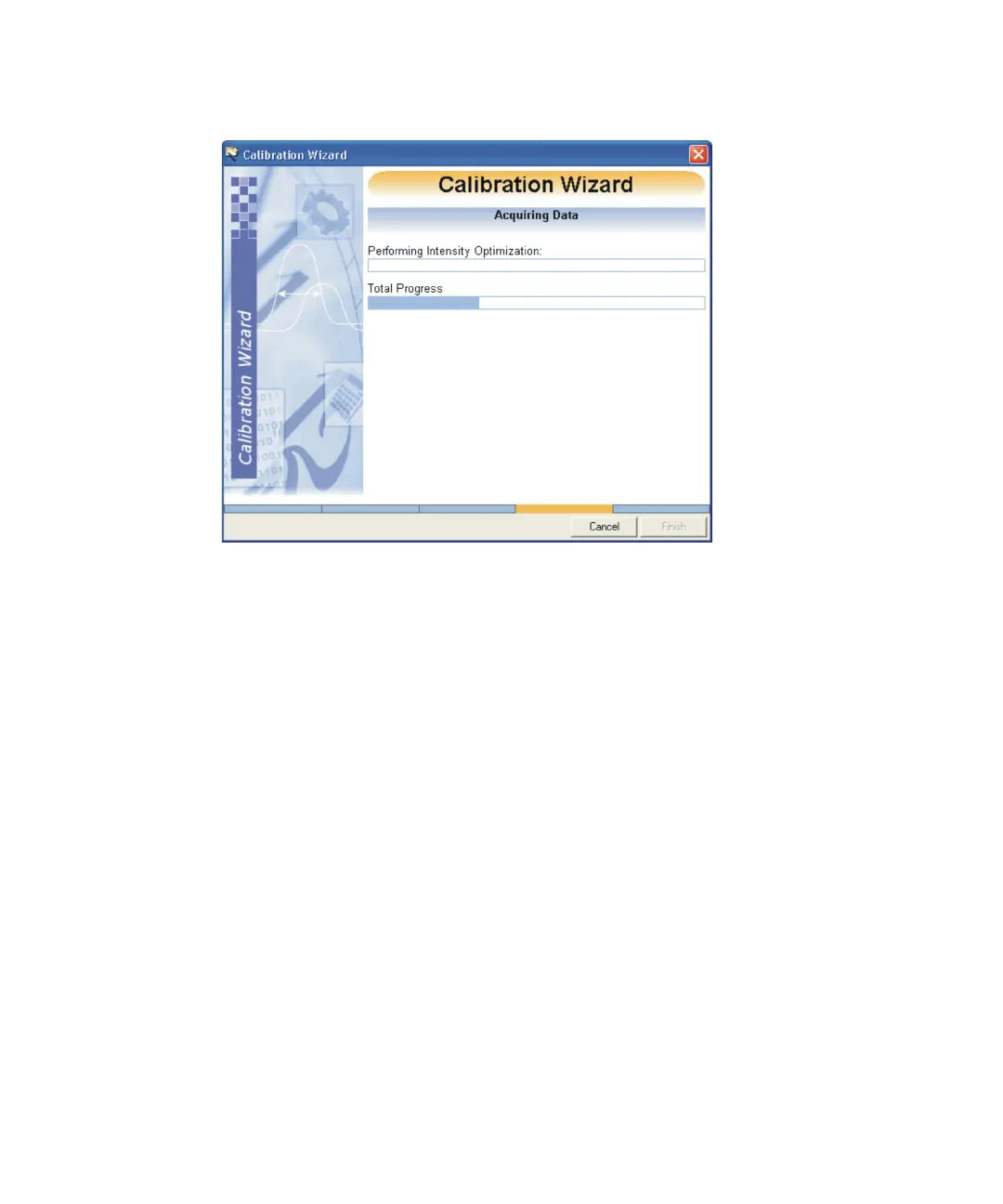
Calibration Wizard Acquiring Data:
The calibration process takes several minutes to acquire the necessary
data if the reference sample is weak. An error may occur if the beam is
too strong or too weak.
When the calibration wizard finishes the Calibration Graph window
appears.
See also: Figure titled “Calibration Graph window:” on page 5-10.
14. If you are satisfied with the calibration report, accept the calibration.
See also: Accepting a calibration on page 5-9.
Tip: The instrument automatically uses the calibration for subsequent
acquisitions.
See also: Using calibrations for subsequent acquisitions on page 5-15.
Accepting a calibration
To accept a calibration:
In the Calibration window, click Finish > Accept Calibration.
The calibration is saved as a .cal file and given the file name specified in the
Calibration wizard.











 To Next Page